
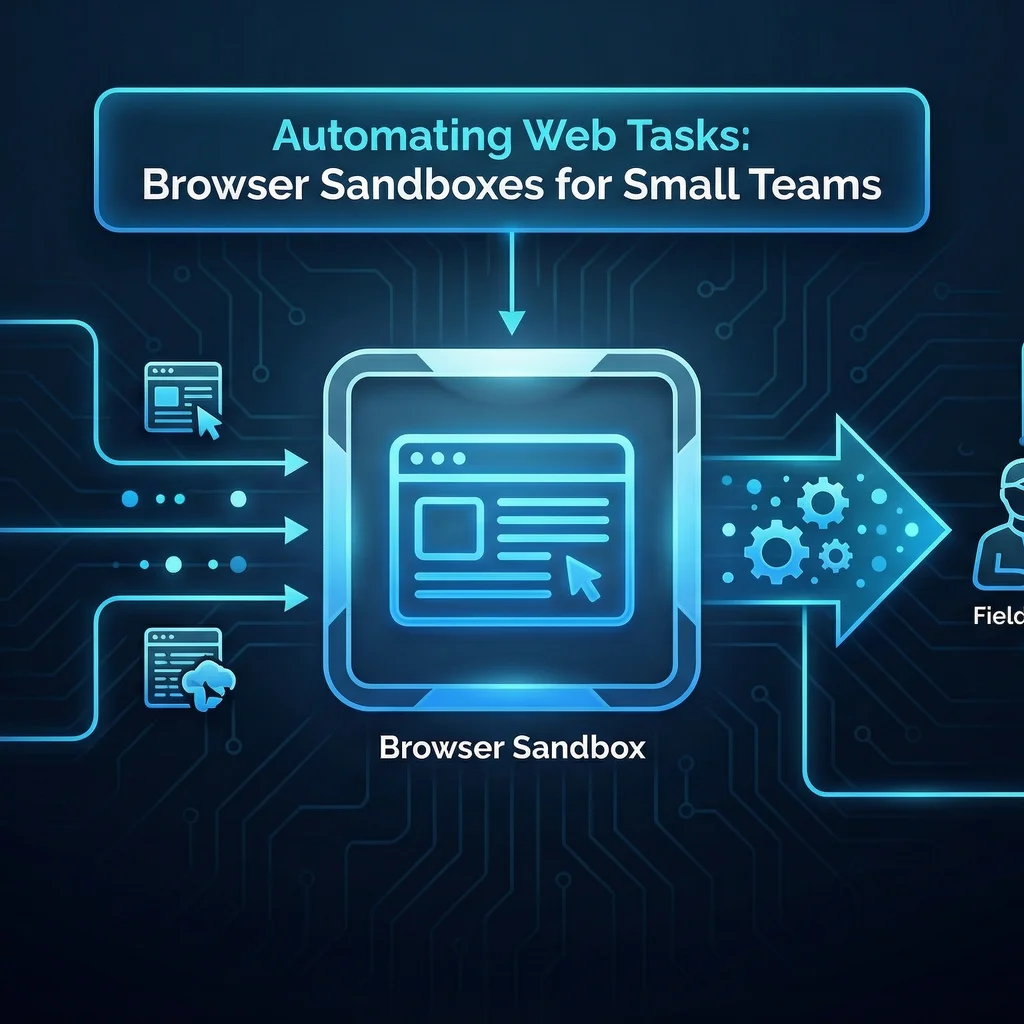
Automating web tasks is a game changer for small business teams—especially when it comes to reducing repetitive work and errors. But traditional web automation can feel risky or out-of-reach when you’re short on technical staff or can’t gamble on security. Enter browser sandboxes: a secure, manageable path to safe web automation—with big payoffs for Kansas field teams, coordinators, and remote staff alike.
It all begins by taking a hard look at which web workflows slow your team down. Manual web tasks range from daily data entry to chasing down forms, updating spreadsheets from portals, or logging into multiple sites for updates. For a field coordinator or small office, these activities add up fast.
Mapping these steps, even with pen and paper, will reveal which parts are most prone to error—or simply eat up the most time.
Most manual web work isn’t hard—but it’s tedious, error-prone, and pulls staff away from real value-add.
Let’s compare a typical process handled by hand versus with automation:
Staff end up spending hours copying, pasting, and triaging the same information—and small mistakes pile up. In a trusted breakdown of AI cost efficiencies, wasting even 30 minutes per day on manual tracking adds up to thousands of dollars a year for the average field team.
The result? Hours unlocked weekly, cleaner data, and fewer interruptions for both field techs and coordinators.
What makes browser sandbox automation uniquely suited for small teams? In a nutshell: It empowers non-technical users to automate web tasks while keeping IT, security, and data privacy concerns in check.
A browser sandbox provides an isolated, secure environment where automated agents can “act” like a human user navigating a website—logging in, clicking, filling forms, and collecting data—without exposing company credentials or risking malware downloads. If anything goes wrong, it’s contained in the sandbox.
For small teams, this means you get all the benefits of browser-based automation, but with guardrails and without heavy IT resources — a Midwest-practical solution that trusts people, not just software.
Browser sandboxes open up end-to-end web automation for non-developers—no risky scripting or exposed passwords.
There’s a growing ecosystem of browser sandbox automation tools. Some are built for enterprises, but a new wave focuses on practical features for teams without dedicated IT.
For Kansas businesses, the choice often comes down to balancing price, usability, and security comfort—not just adding another “enterprise” tool.
Browser sandbox automation isn’t just set-and-forget. Start with well-defined, repetitive tasks before moving to more complex automations.
1. Write down your exact manual web process (steps, sites, logins).
2. Choose a browser sandbox tool with clear API and documentation.
3. Set up a sandboxed agent with access only to needed sites.
4. Test the workflow on a dummy account to verify outcomes.
5. Set clear permissions and reset credentials regularly.
6. Monitor for errors & get staff input on what works best.
As you grow, consider working with model-agnostic, AI-focused teams—like those rooted in Kansas business needs—to build more scalable solutions.
Key takeaway: Start small, focus on high-value repetitive tasks, and grow automation at a pace your team can handle.
Adopting browser sandbox automation delivers benefits workers actually feel:
And for staff wary of “AI hype,” these tools don’t aim to replace roles—just restore precious hours and make the tools you already use much more useful.
As a Midwest-founded team, Expert AI Services has seen browser sandbox automation help Kansas service providers and field offices alike move from manual tracking chaos to dependable, actionable workflows that fit their real-world constraints. For deeper integration, solutions like our AI Project Setup framework help teams evaluate readiness and roll out workflow improvements at their own pace.
Ready to see what automating web tasks could look like for your team? Explore local-first, worker-respecting custom AI services—designed to empower Kansas field techs and office staff alike, not replace them.
Process Type
Routine web workflows (data entry, form-filling, site logging)
Time Saved
2–5+ hours/week per staff
Tools Used
Firecrawl, Zapier, BrowserStack
Before
Manual web tasks: repetitive logins, form fills, copy-paste errors, slow status updates
After
Secure browser sandboxed AI agents automate routine login/data pulls, trigger alerts, reduce errors, and free up staff for higher value work