
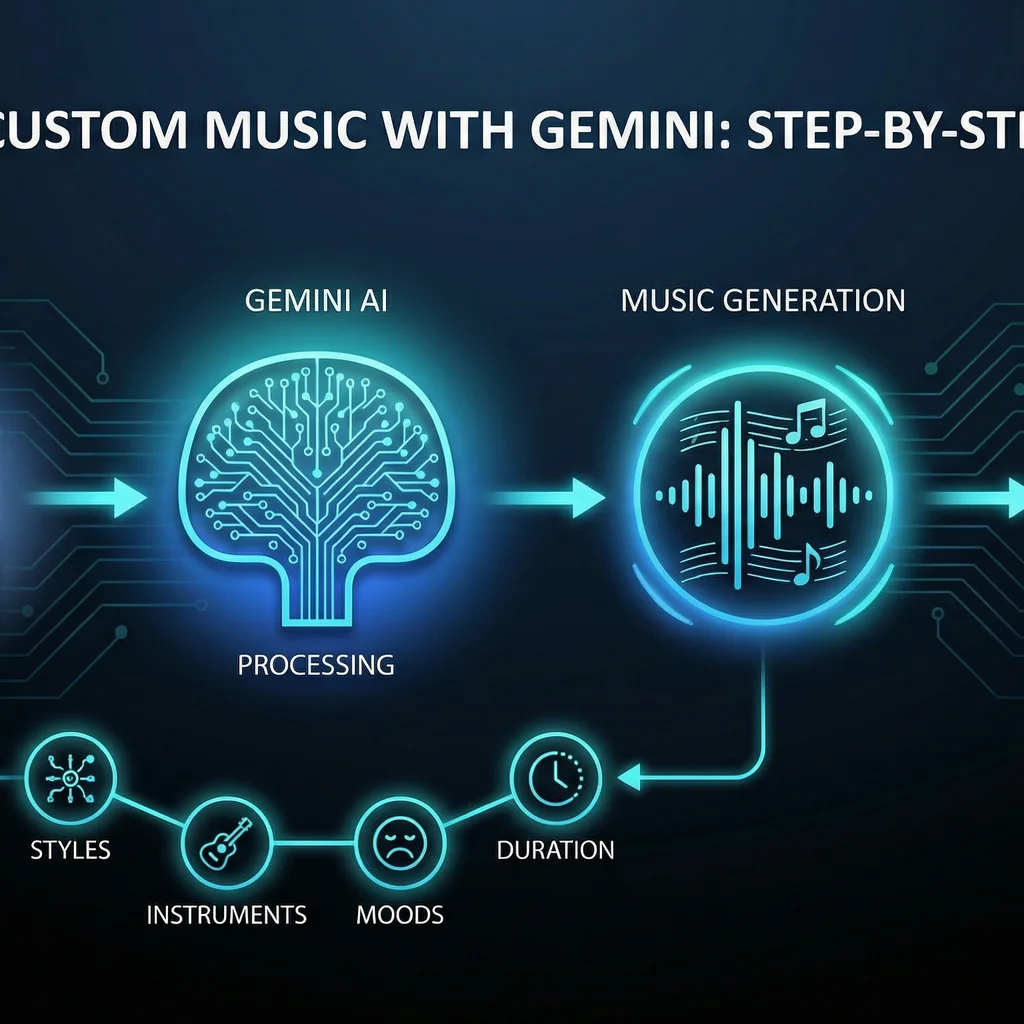
If you've ever wondered how to create custom music with Gemini, you're in for a treat. Gemini’s AI-powered music generation tools let you turn ideas into original soundtracks in a matter of minutes, even if you have zero musical background. You can use simple text descriptions, upload images, or even provide short video clips as prompts—the AI will interpret your direction and compose a track complete with instrumentation, lyrics, and even cover art.
“You can use text, upload images, or even upload video clips to create fully produced songs with auto-generated lyrics and custom cover art.”
For content creators, marketers, and small businesses, this opens up new possibilities in audio branding, content production, and campaign differentiation. No need to license generic stock music—now your soundtrack can truly match your brand’s voice and visuals.
Gemini’s rapid advances reflect a broader industry trend away from vendor lock-in: modern model-agnostic AI platforms let you route creative tasks to the best-fitting model, removing artificial limitations and ensuring cost-effectiveness and scalability over time.
Gemini supports three major prompt types for music generation:
Pro tip: Combining images and creative text gives Gemini richer context—don't just upload an image, guide the AI with your intent.
Let’s walk through the workflow to generate music with text prompts in Gemini. This works on both desktop and mobile versions of Gemini’s music portal. Here’s your sequence:
Ambient synthpop instrumental inspired by city lights at night, no lyricsGemini produces a high-fidelity, rights-cleared track you can use in video projects, ads, or background audio. Iterating with slight changes to genre, mood, or tempo helps you dial in precisely the sound you need.
“Monday.com stock dropped 20%+ after the CNBC experiment combined with guidance miss.” — Yahoo Finance | Real-world events show how AI-driven creation can move markets overnight.
Want your music to directly echo what’s on-screen? Gemini can analyze the content of an image or video and generate a matching audio track. This is especially valuable for marketing reels, TikToks, or branded storytelling where audio-visual cohesion elevates your message.
Upload: Photo of Kansas wheat field at sunrise
Text: Folk guitar ballad celebrating Midwest rootsThe best results come from prompts that balance specificity (genre, feel) with creative latitude. Gemini rewards experimentation!
Creating the perfect audio isn’t always a one-shot process. Here’s how to get the most out of Gemini’s AI-powered music production features:
A Kansas-based video team creates custom soundtracks for reels by providing both project imagery and a prompt like, “Hip hop beat with motivational feel for agricultural innovation highlights.” This produces audio that’s fresh, brand-aligned, and avoids copyright headaches—ideal for commercial use.
Key takeaway: Rapid, model-agnostic AI content creation is now table stakes for businesses competing on speed and personalization. Explore why flexibility matters.
Once satisfied, download your track. Gemini typically provides MP3 or WAV options, plus any generated cover art. Always review licensing terms—most Gemini outputs are royalty-free for personal or commercial use, but verify T&Cs for specific campaigns, especially in advertising or product videos.
Business teams looking to scale creative output can combine Gemini with other AI content tools for end-to-end automation: generate a video cut, use Gemini for soundtrack, and a separate AI for voiceover. Explore model-agnostic services that orchestrate multiple AIs through a single, secure workflow.
If you’re eager to create custom music with Gemini or want a guided project setup, our model-agnostic experts help Kansas and Midwest businesses unlock seamless, scalable AI-powered content creation. See how we bridge strategy and execution—or talk to a lead directly below.
Difficulty Level
Beginner
Action Item
Draft your first Gemini music prompt and experiment with adding an image or short video to shape your audio output.
Tools Mentioned
Gemini
Time to Implement
10-30 minutes