
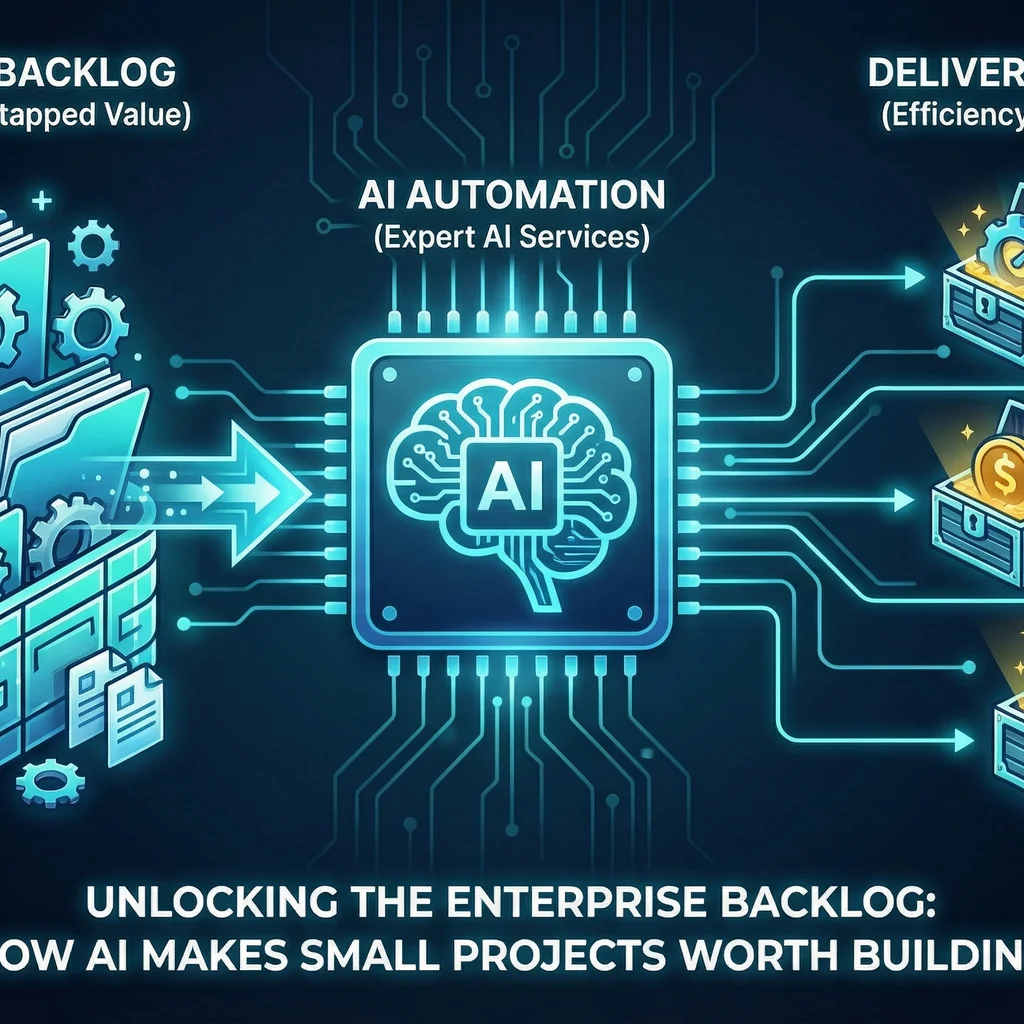
Every operations lead and industry specialist knows the pain: a growing backlog of small projects that never seem to make the cut. These aren’t high-profile launches or massive systems—their ROI just wasn’t there. But with AI automation for small projects, the economics have changed. Now is the time to dust off that backlog and turn these once-overlooked ideas into real value.
Every enterprise has a backlog of projects that were never economically viable... When the cost of building falls dramatically, those backlogs become gold mines.
Thanks to rapid advances in AI, projects that used to take weeks or months—often with custom code—are now within reach for even the smallest teams. Tools like Monday.com clones built in under an hour with AI showcase just how fast and affordable automation has become.
Traditional business process automation prioritized massive, cross-departmental projects. Smaller tasks—like automating a specialized reporting workflow or managing inventory quirks—languished at the bottom of the list because the effort outweighed the perceived impact.
But turning away from these 'micro' improvements adds up. Each neglected workflow represents not just lost productivity, but also missed opportunities to codify and scale what your team knows best.
Your 20 years of knowing which parts fail in which seasons... that knowledge is now directly buildable into AI tools.
In the old model, even simple automations could consume days of manual spreadsheet work or endless developer sprints. AI changes the equation by reducing the cost and complexity of building custom solutions, so teams can digitize and automate even the smallest, most niche processes.
Model-agnostic architecture lets you swap providers without rewriting your integration layer.
This flexibility isn’t just theory—it’s been demonstrated in live settings. When new AI features cost only marginally more than a spreadsheet, suddenly every "small" project becomes strategic.
If you're ready to unlock your backlog, start small—focus on a single workflow that has visible pain points or eats up regular staff time. With AI for operations improvement, you can achieve real savings within days, not quarters.
# Example API config for task routing
{
  "task":"report_generation",
  "preferred_models":["Claude","GPT-4","Llama3"],
  "budget":50
}
Route each task to the lowest-cost, highest-performance model that meets accuracy requirements. Token spend optimization is key—see advice in the Economics of OpenAI's AI Agents.
Scalability means repeating wins across the entire backlog. Adopt a toolkit and methodology designed to multiply value without multiplying complexity.
Once you've automated your first 'small' project, reuse the patterns and infrastructure to accelerate the next five. Over time, this becomes agile automation—not just one-off deployments, but an engine for continuous improvement.
ROI isn’t just about money saved—it's about time, accuracy, risk reduction, and employee satisfaction. When reporting results, focus on clear before-and-after comparisons that matter to your leadership and end users alike.
For neglected projects, even small wins compound—think hours a week reclaimed across departments.
Share early wins and best practices widely. According to the latest McKinsey AI report, organizations that systematize their automation approach see outsized outcomes compared to ad hoc improvements.
No single toolset or project is the endpoint. The real win is embedding automation thinking into your culture—so that as the cost of building continues to fall, your team is always asking: What else is worth automating now?
Want a guide or a partner for your next AI project setup? Local expertise and model-agnostic design can make all the difference—learn how with our AI project setup framework.
If you're curious where to start, our team specializes in designing pragmatic, cost-effective solutions that evolve with your needs. Start small and scale—AI automation for small projects unlocks far more than the sum of individual improvements.
Start a conversation with an AI integration lead and discover how automation can transform your endless backlog into a pipeline of wins for your team.
Process Type
Business Process Automation
Time Saved
Varies per project; commonly hours per week per workflow
Tools Used
Claude, GPT-4, Llama3, low-code frameworks
Before
Manual, neglected workflows consuming staff time and prone to errors
After
Automated, scalable solutions leveraging AI to drive ongoing improvements