
Agent Mode is getting attention because it can move through multi-step work instead of only answering one prompt at a time. That sounds useful, and sometimes it is. But for a small business, the real question is not whether an AI agent can do something once. The question is whether the workflow holds up when customers, staff, data, and deadlines are involved.
Kansas owners and operators already know this pattern. A tool that saves five minutes at the desk can cost an hour in the field if it creates confusion. A shortcut that helps one coordinator can become another system the rest of the team has to babysit. AI agents should reduce that load, not add to it.
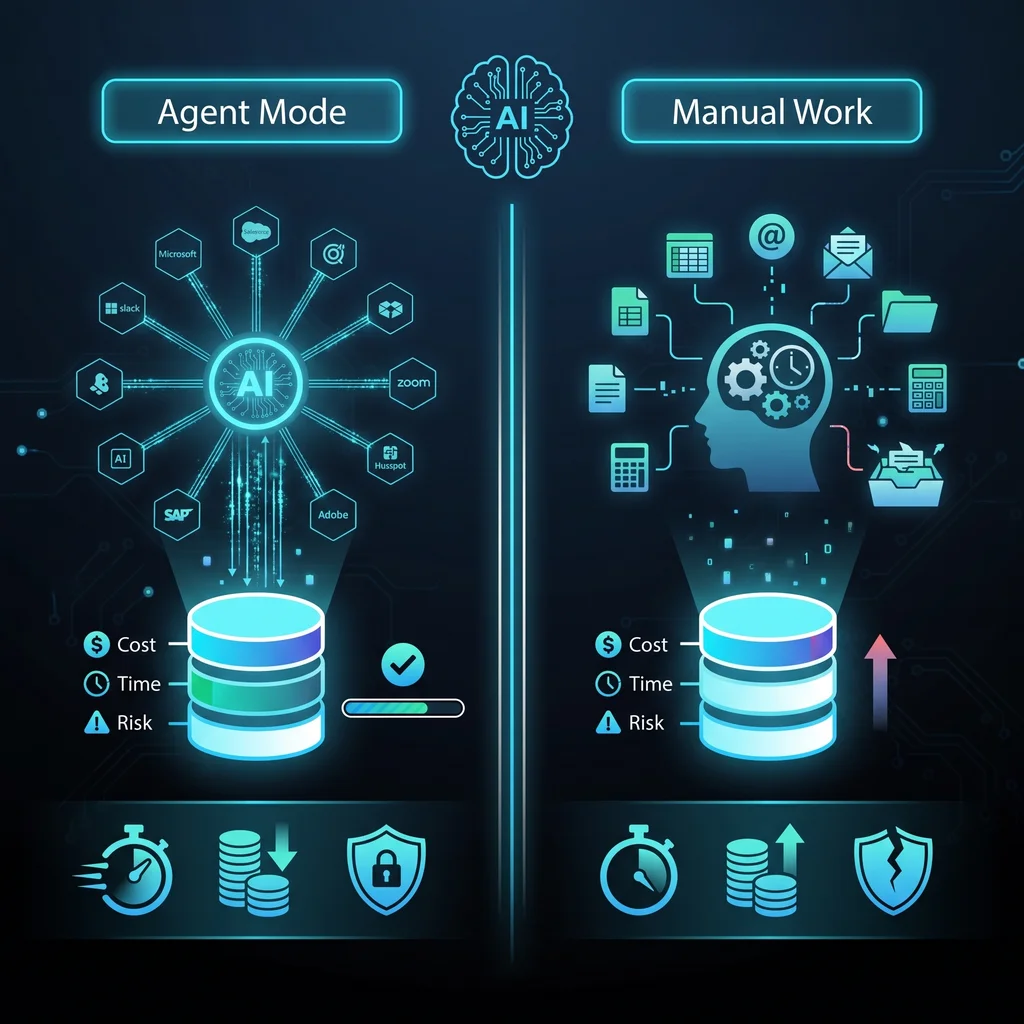
Use Agent Mode when the task is frequent, structured, reviewable, and costly enough to justify the setup. Keep manual work when the judgment is unusual, the stakes are high, or the process is still changing.
Agent Mode is best understood as a helper for a defined job. It can gather context, follow instructions, prepare drafts, compare information, and move a task toward completion. That makes it different from simple chat, but it does not make it automatically better than manual work or basic workflow automation.
Before choosing an AI agent, write down the job in plain English. For example: follow up with a supplier about missing RFQ details, summarize a document intake folder, prepare a status update for a project manager, or sort customer requests by urgency. If the job cannot be described clearly, it is not ready for Agent Mode.
This is where a local, operations-first view matters. Expert AI Services was built from building-systems experience, including controls, BAS, low-voltage work, and field coordination. That background shapes how we look at automation: less software, more useful workflows. You can learn more about that operating point of view on the Expert AI Services about page.
The cost of Agent Mode is not only the AI usage bill. The real cost includes setup time, staff review, failed attempts, corrections, permissions, and the attention needed to keep the workflow dependable. An automation that works most of the time can still be too expensive if it creates review burden after every run.
Ask three questions before adopting an agent. How often does this task happen? How long does the manual version take? How much checking will the automated version require? If the task happens often, follows a pattern, and can be reviewed quickly, Agent Mode may earn its keep. If the task is rare, highly variable, or full of judgment calls, manual work may still be the lower-cost option.
Manual work is not a failure. It is often the right choice when the work depends on relationship context, negotiation, safety judgment, or a one-off customer situation. A founder calling a longtime customer, a technician deciding whether site conditions are ready, or a coordinator handling a sensitive complaint may not need an agent in the middle.
Manual work also wins when a simpler tool solves the problem. A shared checklist, a calendar reminder, a form, or a basic automation can handle plenty of business friction. Custom AI services should be reserved for workflows where AI adds real coordination value, not where a rule or template would do.
A good AI workflow saves time across the whole process. It is not enough for the agent to draft a message quickly if an employee then spends extra time checking every detail, fixing tone, and confirming whether the right file was used. The time test should include the full path from request to finished work.
Look for places where staff are repeatedly gathering the same information, copying details between systems, or waiting on a next step that could be prepared ahead of time. Supplier follow-ups, RFQ tracking, document intake, internal status summaries, and routine customer updates can be strong candidates when the inputs are clear and the approval point is obvious.
Proof matters more than promises. SMSai shows how AI can support useful communication workflows without asking teams to live inside another complicated platform. For owners exploring applied AI, the SMSai product page is a practical example of AI simplifying a real communication problem.
Before you spend time or credits, score the workflow on four plain measures: frequency, structure, review effort, and risk. A frequent task with clear inputs, low review effort, and moderate risk is a better Agent Mode candidate. A low-frequency task with unclear inputs, heavy review, and high risk should stay manual until the process is better defined.
This test also helps avoid tool overload. Small businesses do not need more dashboards just to prove they are modern. They need better coordination between people, systems, and customers. AI agents are worth considering when they remove manual logging, reduce repeated follow-ups, or help the right person make a faster decision.
Risk is where the decision gets serious. If an AI agent can send messages, update a CRM, touch files, or influence customer commitments, it needs boundaries. The agent should have clear permissions, clear source material, and clear moments where a person approves the next step.
A safe early pattern is draft, review, approve. Let the agent collect information, prepare a summary, draft an email, or flag a missing item. Let a trained employee approve anything that affects money, schedule, customer promises, access, or sensitive records. That keeps AI in the helper role and keeps responsibility where it belongs.
For Kansas businesses, this is not about chasing a trend. It is about deciding where AI can take the repetitive strain off technicians, coordinators, office staff, and founders while keeping the business reliable. Agent Mode is worth testing when it makes the workflow simpler, faster to review, and easier to repeat. If it does not pass the cost, time, and risk test, manual work or simpler automation is the better call.
To evaluate a workflow before you invest in the wrong tool, talk with an AI integration lead. Expert AI Services can help map the task, set the boundaries, and decide whether Agent Mode, simpler workflow automation, or manual handling is the right fit.
Difficulty Level
Action Item
Tools Mentioned
Time to Implement