
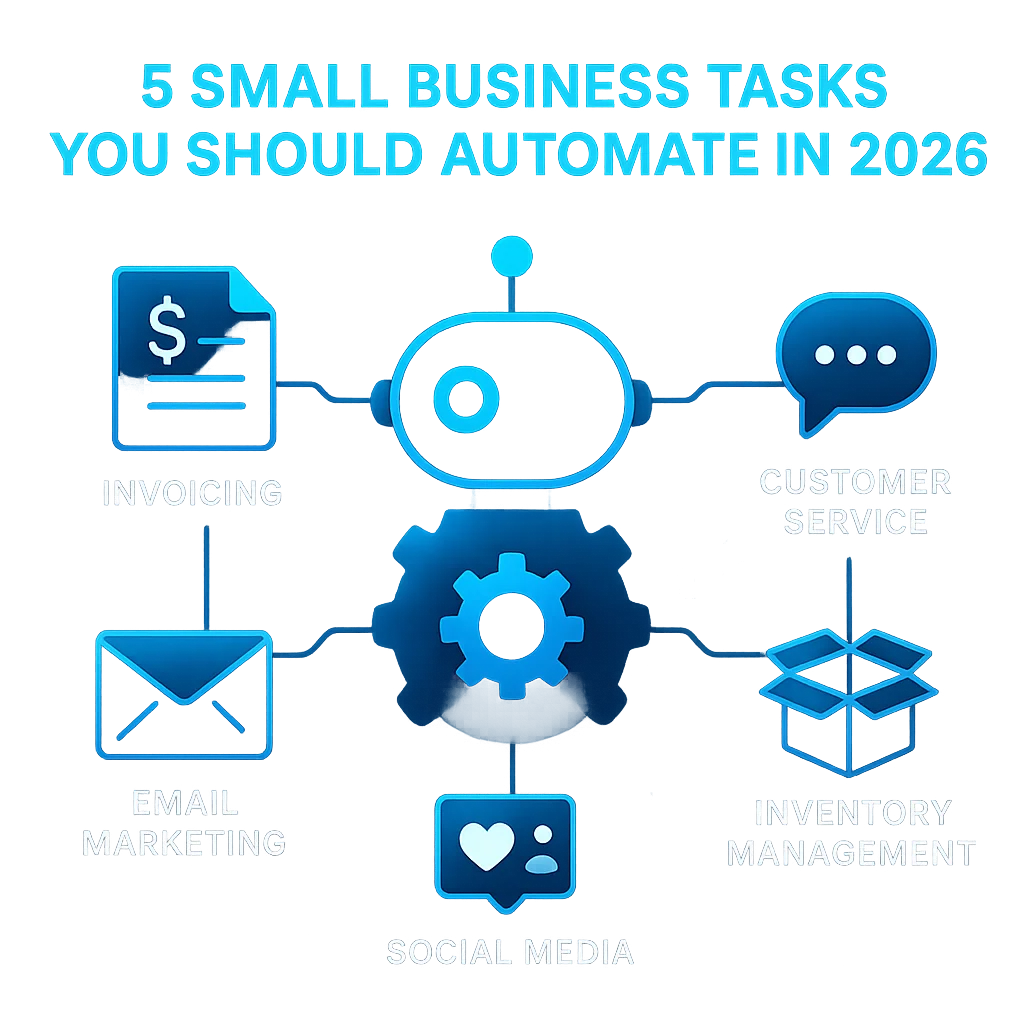
If you're still handling daily tasks by hand, it's time to rethink your workflow. AI automation for small business is no longer a luxury—it's a game-changer. Manual sorting of emails, chasing invoices, or keeping up with social media eats away at hours that could be spent on growth or customer relationships.
Across the U.S., small business owners are shedding busywork thanks to accessible AI tools. They’re recovering 10–20 hours a week previously lost to repetitive jobs, freeing up time for real strategy and service.*
If you are still manually sorting your inbox, following up with leads by hand, or writing the same weekly report from scratch, you are doing work an AI agent can handle completely.
Thousands of real-world operators, including those in the Midwest, agree: the time to start is now. According to insights from Reddit's r/ChatGPTPro community and the r/ClaudeAI community, manual work doesn't just drain energy—it opens the door to errors that automation can prevent.
In 2026, the "old normal" of juggling spreadsheets, emails, and paperwork puts small businesses at a disadvantage. New AI solutions for business are affordable, require minimal setup, and—when implemented safely—relieve workers rather than replacing them. This means more focus for you and fewer mistakes for your team.
Managing receipts, logging expenses, and updating ledgers shouldn’t take up your evenings. Today’s AI-driven accounting platforms can ingest receipts sent by email, auto-categorize transactions, and reconcile accounts in minutes.
Reporting that used to take 90 minutes takes zero minutes. Review the output, make notes, and move on.
Popular options include QuickBooks with AI integrations or plug-and-play workflow tools that require no code. If you're running technical construction or field service operations, combining AI with document intelligence like DWG-Extract can parse technical invoices and receipts, pushing expenses directly to your general ledger.
For small teams, repetitive customer questions can bury the inbox. AI chatbots, powered by tools like Claude or ChatGPT, can handle 60–80% of routine support tickets or chat requests—no engineering required.
Claude-based agents connected to Gmail via MCP read, draft, and optionally send. You set the rules; the agent runs the queue.
Integrated solutions like SMSai are already helping Kansas businesses field questions via SMS, email, and voice, always backed by your documentation and FAQs.
Social media is valuable—but remembering to post, share, or update profiles eats time. AI-powered schedulers can pull blog content or product updates and generate posts for all your business’s channels.
An AI agent can take any piece of content you produce and automatically generate the downstream versions—formatted for each channel, in your voice.
Advanced operators report tripling output without extra writing, a tactic shared often in the r/AI_Agents subreddit.
Tired of back-and-forth emails to find a meeting time? AI calendar tools now take availability, preferences, and priorities into account—offering clients and teammates the best times automatically.
trigger: new meeting request
agent: query all calendars
rules:
  - business hours = 9am-5pm
  - avoid double-booking
  - offer 3 time slots
An AI agent with MCP access to your calendar, CRM, and email can execute the entire onboarding checklist the moment a new client is marked active—in under a minute, without human intervention.
For onboarding scenarios, automation minimizes human error and speeds up client experiences. This is a huge win for trades, services, and B2B firms juggling multiple schedules.
Chasing payments and generating invoices is a constant hassle for owners and office managers alike. Modern AI workflow platforms can generate invoices and send reminders the moment work is done—no more gaps or forgotten follow-ups.
AI agents solve this by running a consistent follow-up sequence the moment a lead enters your system.
According to industry analysis, tools like those discussed in the StrongDM Software Factory overview empower even small teams to operate with a sophistication that rivals much larger firms.
Jumping into automation can feel overwhelming, but you don’t need to tackle everything at once. Start with one highly repetitive process—like invoice reminders or inbox triage—and expand once you see results.
Operators who moved first are reporting 10–20 hours/week recovered. The earlier you start, the bigger the impact compounds over time.
To ensure a smooth transition, some prefer working with local teams who understand the unique workflows and expectations of Kansas and Midwest businesses. Learn more about our pragmatic, workflow-first approach on the About page.
AI automation for small business is a journey, not a one-and-done project. By focusing on the most time-consuming manual tasks, you can reclaim hours, reduce errors, and free up energy for the work that only you can do.
Ready to reclaim your workweek?
Difficulty Level
Beginner
Action Item
Identify and start automating one repetitive business task this month.
Tools Mentioned
Claude, ChatGPT, SMSai, DWG-Extract, MCP
Time to Implement
1-2 hours per task