
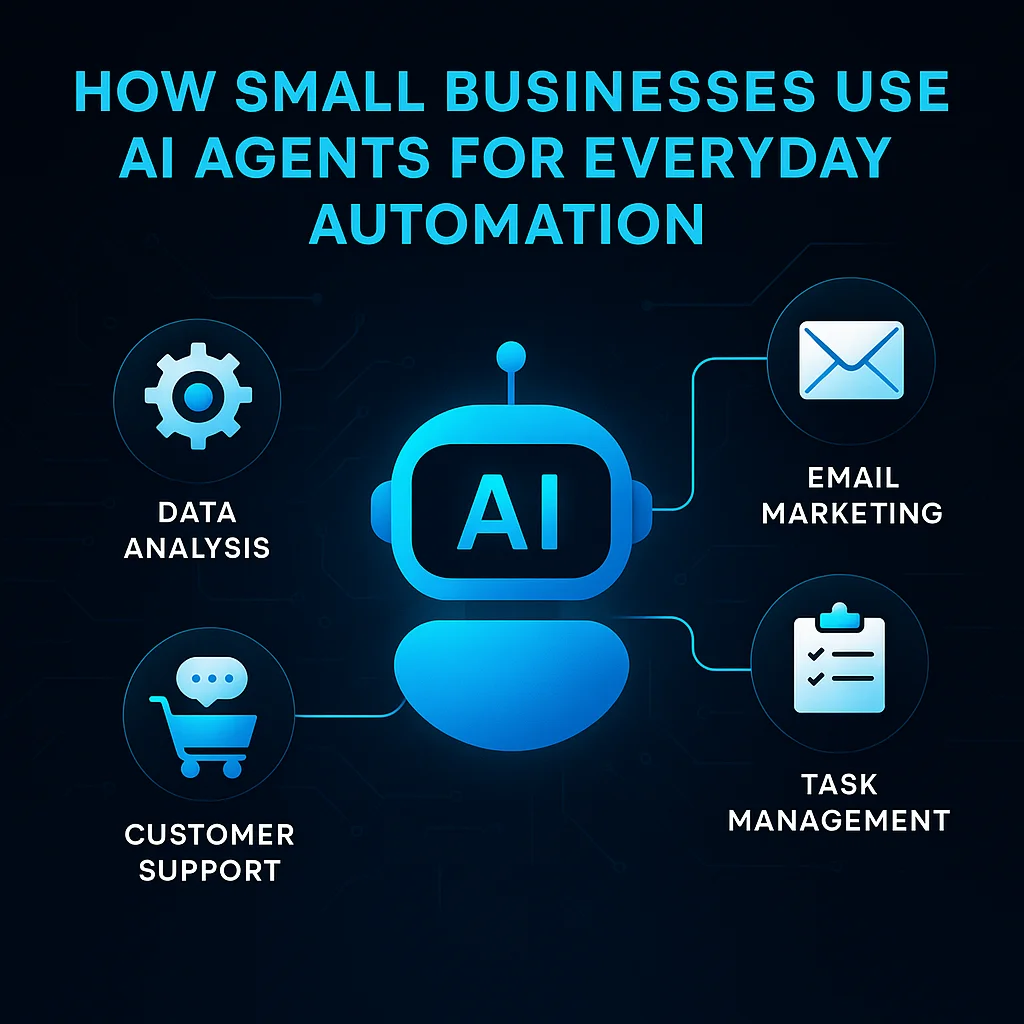
For years, AI automation for small business sounded out of reach—something reserved for tech giants with giant budgets. But today, business owners across Kansas and the Midwest are using AI agents to automate routine work, freeing up precious hours and reducing manual headaches. The tipping point? AI agents have become not only more powerful and affordable, but also far easier for non-technical folks to set up and use.
Small business owners are quietly reworking their daily operations with AI agents, saving time on everything from admin tasks to customer communication.
If you’ve felt buried by email triage, CRM updates, or scheduling, there are now concrete, budget-friendly ways to automate these bottlenecks without hiring a developer—or adding more clutter to your software stack.
Let’s start with the pain points. Most small business owners know the grind of routine admin like:
These everyday tasks are necessary but eat into the time that could be better spent growing the business or supporting customers directly.
Manual processes don’t just waste time—they create software sprawl and lead to errors, missed follow-ups, and operator burnout.
Where a person used to click through forms or dig through email threads, today’s AI agents can handle these tasks with minimal setup—often in just a few steps. This isn’t science fiction or a Silicon Valley buzzword. Small business owners on the r/AI_Agents subreddit and the r/ChatGPT community are sharing working workflows every week. The automation gap is closing fast:
Multiply this by dozens of inquiries a month, and the efficiency gains become clear. Similar automations work for invoicing, follow-ups, and lead management automation—all without extra admin hires.
The strongest signal this year: operators are trading DIY tinkering for ready-to-go AI agent tools with plain-language setup. Affordable options making a difference include:
Midwest operators are succeeding because today’s tools require little to no coding—AI workflow automation for small business is rapidly becoming accessible to all.
There’s a lively exchange of real-world setups, templates, and troubleshooting tips in the r/vibecoding community—making support a few clicks away, even for non-technical owners.
Let’s break down a practical workflow using AI automation for small business—automating customer inquiry responses through SMS and email.
{
  "trigger": "new SMS or web inquiry",
  "action": [
    "parse intent",
    "generate reply",
    "lookup customer record",
    "add to CRM"
  ],
  "tools": ["Claude", "ChatGPT", "Zapier"]
}
Pro tip: Start with just one workflow—like automating your initial inquiry response—then layer on more as you see results. You don’t need to overhaul everything at once.
For a Midwest-built solution that puts AI agents to work via SMS or voice, see a practical deployment in our SMSAI project case study.
So what’s changed for business owners who take the leap? The difference isn’t just hours saved, but an entire shift in how daily tasks are handled:
One Kansas owner summed it up: “I have more evenings to myself and fewer missed opportunities—AI did not replace anyone, it just gave us back precious time.”
For a company built on decades of hands-on Midwest experience, this is the heart of the benefit: less software, more useful workflows.
If you’re wondering how to start, you’re not alone. Here are practical steps for Midwest small business owners considering AI automation:
If your operation has legacy software, complex field coordination, or compliance needs, it pays to talk with AI experts who know how to integrate custom solutions. Our local team comes from building automation and field service backgrounds—we’ve helped companies bridge the technical gap while keeping things reliable and straightforward.
Small business operators in Kansas and the Midwest are discovering that AI automation means less busywork, faster follow-ups, and more time for the work that matters most. AI agents aren’t about replacing jobs—they’re about streamlining your operations so your people can do what they do best.
If you’re ready to discuss a workflow, see a live demonstration, or get concrete advice on “what would work here,” talk with a local AI integration lead. No pressure, just expertise.
Process Type
Customer Inquiry Management
Time Saved
2-5 hours/week
Tools Used
Claude, ChatGPT, Zapier
Before
Owner or staff manually review and respond to customer inquiries, copy information into CRM, and track follow-ups between different software tools.
After
AI agent automatically drafts replies, logs activity into CRM, and flags follow-ups, freeing staff to focus on high-value tasks.