
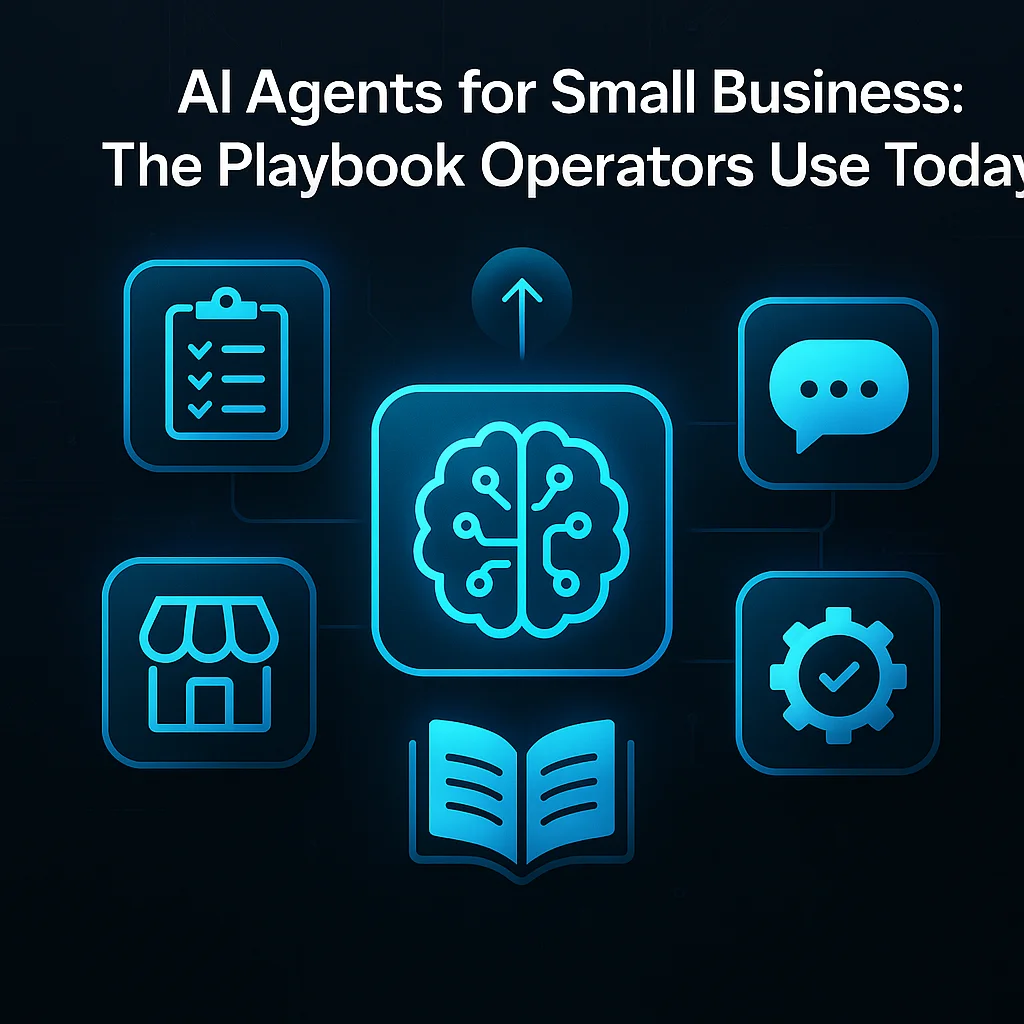
If you’re a small business owner feeling overwhelmed by endless admin tasks, AI agents for small business might be your opportunity to regain time—and sanity. This is your playbook for deploying workflow automation without a developer, a venture capital budget, or Silicon Valley hype.
The term "AI agents for small business" sounds futuristic, but the reality is straightforward. You don’t need to rebuild your company around AI—just give your team helper tools that strip out the repetitive, time-wasting steps.
AI agents aren't a magic fix or a replacement for your working team—they're reliable helpers designed to cut routine grunt work and help your staff focus on valuable tasks.
For operators, this means automating:
Pick tools that require configuration, not coding, and expect them to play nicely with the staff already keeping your business running.
You don’t need to overhaul everything on day one. The real trick is to spot parts of your operation where "AI automation for small business" can make a difference. Start with tasks that are frequent, highly structured, and a known drag on morale or efficiency.
They started with one workflow, not a platform. Pick the most painful repetitive task in your business. Automate that. Prove the value. Then expand.
If you hear your team grumbling about “the weekly spreadsheet” or “answering the same email questions all day,” start there—these are prime candidates for automation.
There’s a world of affordable, pre-built AI agents designed for small teams. You don’t need to commission a custom solution—just connect the agent to your existing tools and let it work.
With tools like MCP, connecting an AI agent to Gmail, Notion, or Slack is now a matter of configuration—not hiring a coder or learning a new language.
Operator-run communities like the r/AI_Agents community share practical deployments and help troubleshoot snags other small teams face.
The small business AI playbook is all about keeping things lean:
# Example: Human-in-the-loop email auto-responder
Trigger: New lead email detected in Gmail
Step 1: Agent drafts proposed reply and tags for manager
Step 2: Manager approves or edits reply
Step 3: Agent sends response to lead
The best automations are built for expansion. Once one workflow proves out, tackling the next becomes easier—and team buy-in rises.
For a deeper look at how this works in practice, read how SMSai enables operator teams to automate outreach and follow-ups.
Worried about "AI agents" eating into your budget or complicating operations? The trick is to focus on measured results: time saved, errors avoided, and employees freed up for higher-value work.
Systems like FlashClaw pre-compile skill definitions into deterministic execution flows—the AI figures it out once, then runs it every time after, at near-zero cost per execution.
Check out TechCrunch’s coverage of enterprise agent costs—you’ll find that small, focused deployments for operators stay well below those levels.
Automation works best when it builds trust. Let your staff lead by picking one headache to solve—and resist trying to automate everything at once.
Operator communities are driving the new practical AI wave—peers trading playbooks, not just IT pros selling tools.
For Kansas and Midwest businesses, the ability to blend field-tested, model-agnostic AI with plainspoken expertise is what sets applied automation apart. Learn more about our local-first approach and how a background in field coordination shapes trusted solutions.
Ready to reclaim your time, simplify your workflow, and let your team focus on what matters? Talk with an AI integration lead and discover which playbook fits your business best.
Difficulty Level
Intermediate
Action Item
Map a repetitive workflow and deploy a no-code AI agent.
Tools Mentioned
Zapier, MCP, SMSai, DWG-Extract
Time to Implement
1–2 hours