
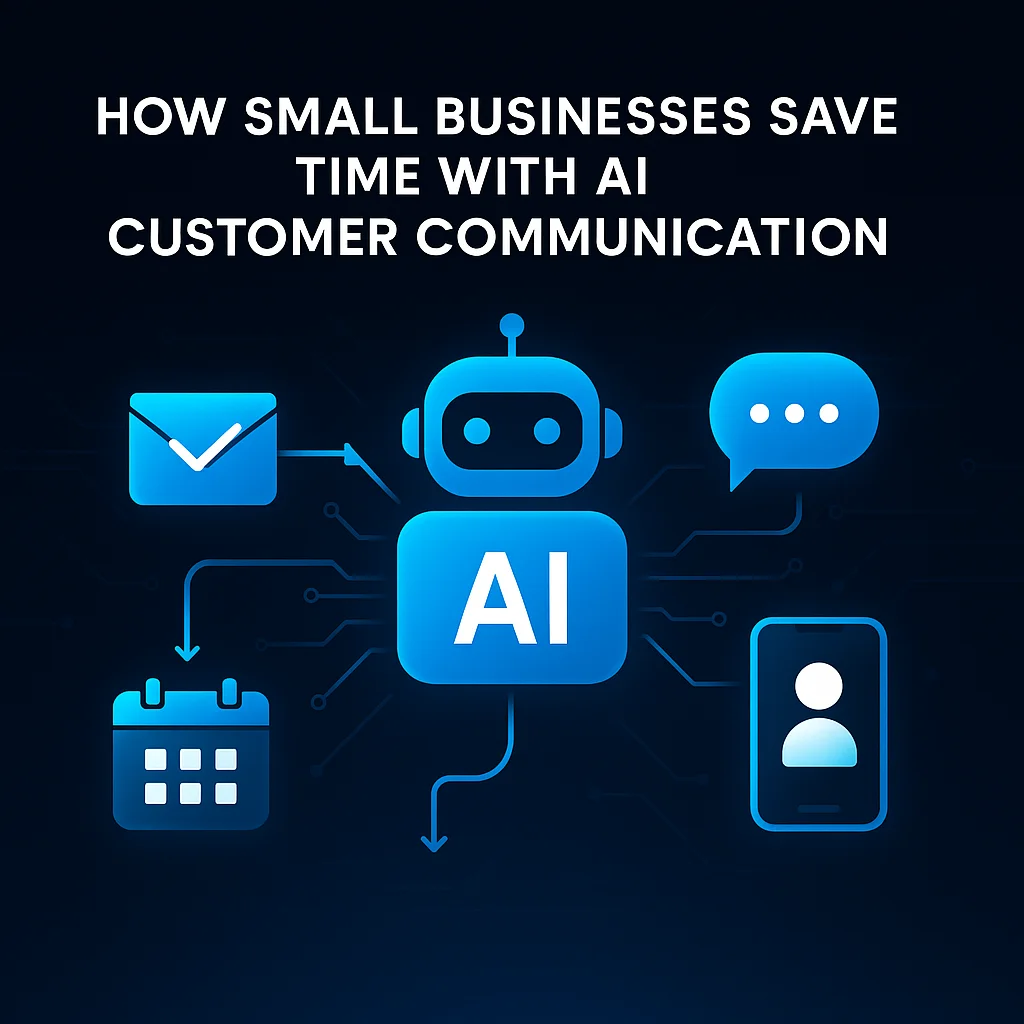
For small business owners across Kansas and the Midwest, AI-assisted customer communication is less about chasing the latest tech fad and more about taking back hours once lost to endless email threads and repetitive customer requests. This isn’t about replacing people—it’s about giving your team a helpful assistant that drafts responses, generates FAQs, and lightens the inbox load.
Every main street business and regional operator knows the drill: an inbox that won’t quit, phone lines buzzing, and customers expecting answers—fast. Relationships matter, but so do timely responses. Handling these daily demands often means sacrificing evenings or pushing administrative work late into the night.
“Operators are using AI to draft email responses, generate FAQ answers, and handle routine inquiry triage. The human still reviews and sends. The AI eliminates the blank-page problem.”
Today, small businesses—even with limited tech resources—have realistic options for AI customer communication. AI tools can now draft suggested replies, propose responses to repeat questions, and automatically help update your website FAQ—all so customer-facing teams spend less time typing and more time solving real problems.
The traditional approach to customer service comes with real drawbacks. Tasks that should be simple—like answering the same question for the fifth time today—consume valuable hours and drag team morale.
From our local Midwest fieldwork, these bottlenecks aren’t minor inconveniences—they’re recurring headaches. Yet, owners worry about losing the authenticity only a human can deliver.
“The highest-volume win for small businesses isn’t replacing employees—it’s eliminating the back-and-forth that kills productivity.”
That’s why our approach always puts humans in the loop. AI simplifies, it doesn’t replace—built from years of hands-on experience with building systems, field service, and real day-to-day business needs.
For a Kansas-based service business, the AI journey started with a simple goal: reduce time wasted on repetitive responses. The team piloted a model-agnostic tool designed to draft—not send—customer messages.
Nothing leaves the inbox without a human review. AI-generated drafts let operators personalize the message, ensuring it always sounds like the business, never a robot.
From email triage, the team moved to AI-powered SMS reply suggestions, and even allowed AI to update website FAQs with real common customer questions. Each step was incremental, driven by measurable relief for the team—not software hype.
For most, AI adoption began with a single workflow but quickly showcased potential for broader customer communication improvements—without burying teams in extra software.
The measurable impact of AI-assisted customer communication? For many operators handling 20+ daily inquiries, AI tools reclaim 30–90 minutes every day. Instead of copy/pasting from old emails or starting each reply from scratch, staff now start with a solid draft—and finish with a personal touch.
Businesses handling 20+ inbound inquiries per day saw measurable relief. Time savings reported: 30–90 minutes per day on customer communication alone. Entrepreneur.com corroborates these trends, spotlighting affordable AI tools that deliver real value for small firms.
AI takes the pain out of staring at a blank screen by generating a starting point for responses. This lowers mental friction, keeps staff moving, and ensures even high-volume days get handled promptly.
Businesses now use AI to draft and maintain FAQ sections on their sites—deflecting routine questions and freeing operators. PrometAI highlights this approach as a key solopreneur advantage in the modern service stack.
AI customer service projects succeed when they complement existing habits. Here’s what has worked best for local teams:
Pro tip: Comparing inbox response times before and after AI gives a direct view of productivity gains.
Adoption fears—around cost, complexity, or control—often slow progress. But business operators can find pragmatic AI solutions by focusing on tools that:
The main goal: streamlining responses, reducing repeat work, and never dividing attention with yet another software login. Choose fewer tools that earn their keep and always enable human review.
Let’s celebrate what matters: small business ingenuity, time saved, and AI that actually helps people work smarter. Start small, let the benefits prove themselves, and ask partners who genuinely understand your industry and region for help as needed.
Ready to see what practical, custom AI could do for your team?
Client Type
Kansas-based service business
The Problem
Manual customer communication was repetitive and time-consuming, draining operator hours and delaying responses.
The Solution
Adopted AI-assisted drafting for emails, SMS, and FAQs with a human-in-the-loop review process, using model-agnostic tools.
Result
Saved 30–90 minutes per day by eliminating repetitive drafting and reply work.
Result
Responded to customer inquiries faster, improving customer satisfaction and team morale.
Result
Enabled staff to focus on resolving complex issues and relationship building rather than routine admin.
Conclusion
Key Takeaway: AI simplified daily communication by drafting repetitive replies, freeing up operators' time and improving service quality—without replacing human judgment.