
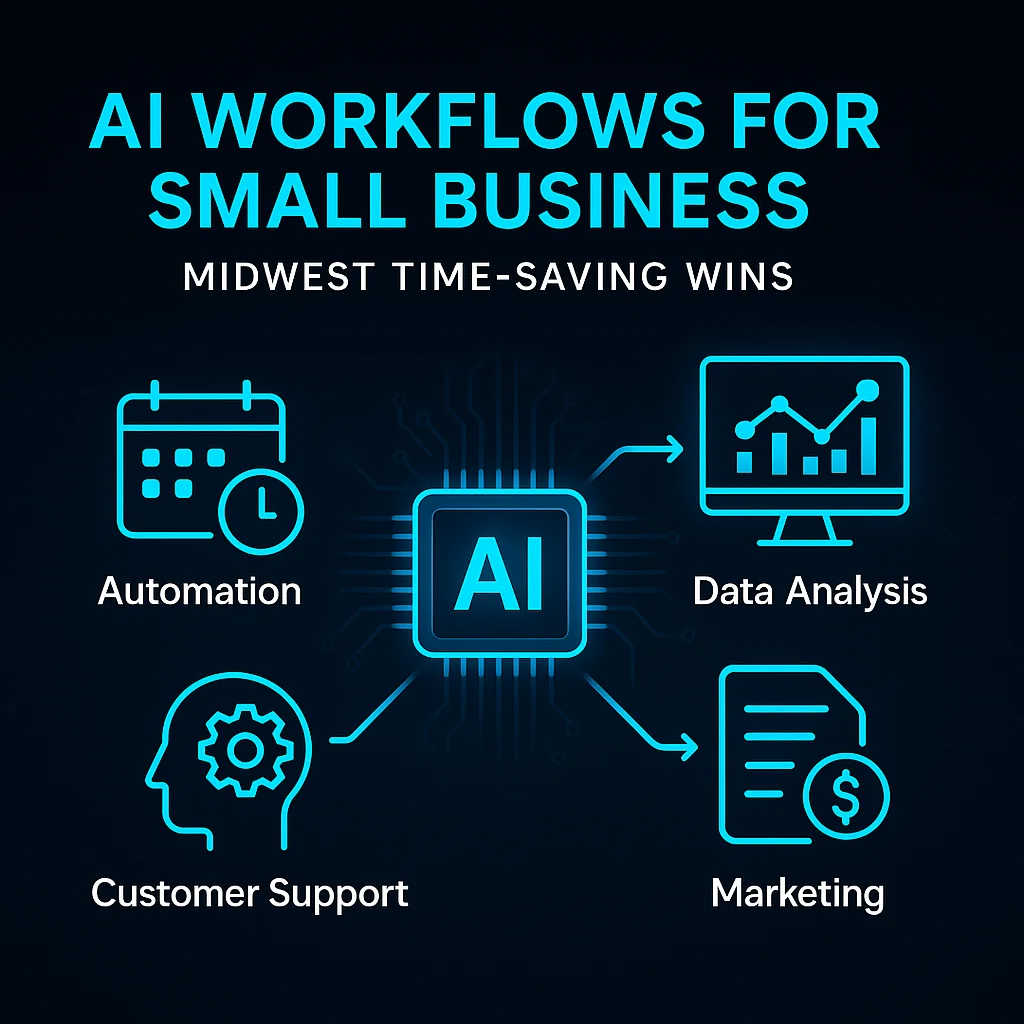
For many small business owners across Kansas and the Midwest, AI workflows for small business aren’t just a Silicon Valley pitch — they’re now a working tool to reclaim precious hours previously given up to repetitive grunt work. Before adopting any AI automation, operators described days dominated by low-value tasks: manual intake, chasing down documents, re-sending invoices, or combing email threads to keep up with client requests.
These drains on time have real consequences. One Midwest shop manager put it bluntly: "Every hour spent on paperwork is one I’m not spending on the floor, with customers, or looking ahead." For years, this trade-off felt inevitable. Business growth meant more complexity, not more flexibility.
"They identified one process that was costing them 3–5 hours per week, built an AI-assisted workflow around it, and freed up that time."
This collective friction wasn’t just about lost time — it was about lost momentum and missed opportunities to work on the business, not just in it.
Most operators didn’t jump to AI as a first solution. For years, they tried to plug gaps with manual checklists, off-the-shelf task managers, or bolting together SaaS tools that promised to streamline operations. The result? Siloed files, workflow confusion, and more software sprawl. Familiar cloud giants rarely spoke to the reality of local, low-headcount businesses.
Businesses growing steadily often hit an inflection point where additional admin effort simply wasn’t sustainable. Some tried SaaS automations, but found that "no-code" tools still demanded hours to configure, or couldn’t flex to the custom quirks of their workflows. The band-aid solutions themselves became another thing to manage.
The most common pain point? “More tools didn’t mean more time — just more to check, sync, and double-handle.”
What made the difference wasn’t hype, but quietly applied workflow automation examples using custom AI agents. Here’s what changed in day-to-day operations for Midwest businesses who made the shift:
For businesses handling personal client info, legal docs, or financials, local models such as those run through Ollama provided privacy and compliance without sending data to outside servers.
“AI simplifies, it doesn’t replace.” Operators found that weaving AI agents into workflow automation gave them back their day, without gutting the team or ripping out familiar systems.
For more on how custom AI can power omnichannel communication, see our SMSai project — bringing SMS, email, and AI follow-up together for real operator gains.
Across these AI workflow examples, small businesses consistently report saving 3–5 hours per week per process. That’s the difference between a business owner spending Friday evening in the office versus closing early to watch a ball game. These time savings show up in multiple ways:
Operators in the region say that automating just one or two routine workflows each quarter creates measurable breathing room — what used to feel like a permanent time crunch now becomes a manageable workload.
The secret isn’t buying more software — it’s building less software, more useful workflows. Tools like SMSai and DWG-Extract stand as proof of what’s possible, with the flexibility to adapt as your business grows.
For insight on applied AI for document intelligence, DWG-Extract offers real-world examples of pulling structured data from drawings, blueprints, and PDFs, dramatically reducing manual review cycles.
Implementing AI workflow automation is not magic — but it is accessible. Based on real Midwest experience, here are the top lessons learned:
"You don’t need an enterprise IT budget to get real ROI. But you do need a clear process, realistic expectations, and a willingness to experiment."
For a deep dive on how our local roots and industry expertise inform our approach, see our background — who we are and why Midwest matters.
Experiment, learn, and iterate — that’s the Midwest way. AI workflows for small business offer step-change efficiency, but it’s the combination of practical tools, local expertise, and process know-how that unlocks results.
Ready to see your hours add up?
Client Type
Midwest small business operators
The Problem
Manual, repetitive processes drained 3–5 hours per week from core staff, causing burnout and lost opportunities.
The Solution
Deployed custom AI workflow automation using AI agents for client communications, meeting prep/summaries, and document processing; adopted local models and no-code MCP integrations for sensitive or complex tasks.
Result
Freed 3–5 hours per week by automating routine communications and admin steps.
Result
Enabled faster onboarding and timely client follow-up, improving professionalism and team morale.
Result
Improved data privacy and reduced reliance on disconnected SaaS tools via local AI and unified integrations.
Conclusion
Key Takeaway: 'You don’t need an enterprise IT budget to get real ROI. But you do need a clear process, realistic expectations, and a willingness to experiment.'