
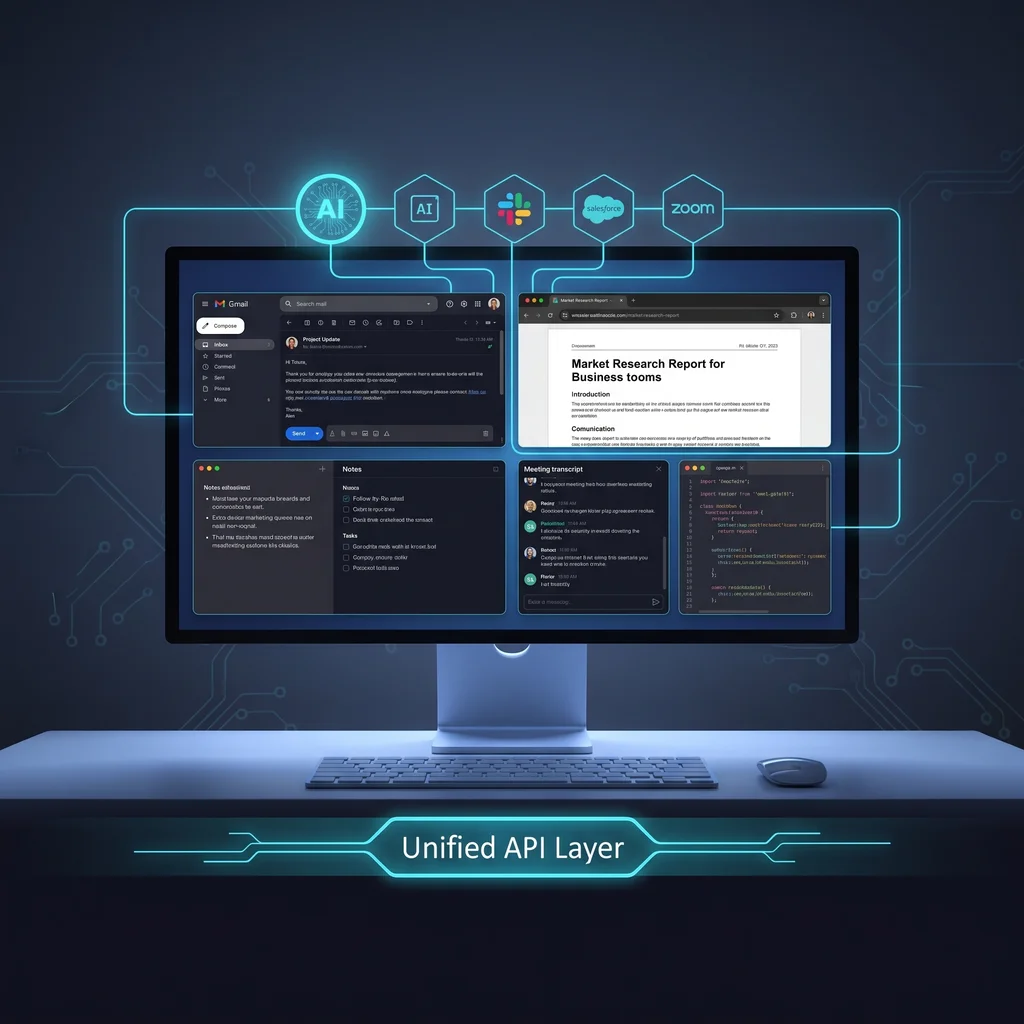
An AI workspace for business is starting to look less like a chatbot and more like a control center. The shift is not about one more app on the screen. It is about bringing the pieces of daily work closer together: email, notes, meetings, browser tasks, code work, project context, and connected tools.
That matters for Kansas business owners because most teams are not short on software. They are short on clean handoffs, reliable follow-through, and time to keep every system updated. A useful AI work assistant should reduce that clutter. It should help the coordinator, owner, manager, or specialist see the next step without pretending the software knows the business better than the people running it.
The public Rowboat project is a good signal of where this category is headed. It describes an AI coworker with memory, workspaces, email, notes, a browser, meeting notes, code mode, background agents, and external tool connections. That does not make every feature right for every company. It does show the broader direction: AI is moving from isolated answers into operating surfaces where work can be planned, reviewed, and acted on.
A standard AI chat session starts cold unless a person feeds it context. A workspace changes that pattern by keeping the working material nearby. Project notes, prior conversations, meeting summaries, browser tasks, and tool access can live in the same environment. When it works well, the assistant is not guessing from a vague prompt. It is helping inside a defined business context.
Business AI memory is one of the most important parts of the shift. Memory can help a team avoid repeating the same background details every time work resumes. It can also help a manager see how a decision was reached, what source material was used, and what still needs review.
For a small business, that memory should not be mysterious. The best operating posture is plain: make the stored context visible, editable, and limited to the work that actually benefits from it. If the memory is wrong, the team needs a way to correct it. If the work is sensitive, the team needs a way to decide what should not be connected at all.
AI workspaces are becoming operational control centers, but the business value still depends on scoped workflows and human approval.
AI browser automation is gaining attention because so much business work still happens in web apps. Someone logs into a portal, checks a status, updates a record, pulls a document, or sends a routine message. A workspace with an isolated browser can let an assistant help with those steps without opening the door to every personal or business account on the machine.
That detail matters. Kansas businesses should evaluate browser access by account scope. Which accounts can the assistant reach? Can the team separate work accounts from personal browsing? Is there a review step before a message is sent, a customer record is changed, or a financial system is touched?
MCP tools are part of the same movement. They give AI systems a standard way to connect with external services, internal systems, and task-specific tools. In plain English, they can help an AI workspace reach the places where work actually happens.
That is helpful only when the workflow is scoped. A tool connection should have a reason, an owner, and a review path. Connecting a CRM, support inbox, document store, calendar, or database without those basics can create more risk than value. Connecting one narrow process with clear approval can make the work faster and easier to manage.
The right first question is not which AI workspace has the longest feature list. The right question is which recurring workflow deserves help. Start with something the business already understands: incoming lead triage, customer follow-up drafting, meeting summary cleanup, proposal prep, internal knowledge lookup, or routine status reporting.
From there, define the owner, input, output, and approval step. That is where custom AI services become practical. Expert AI Services uses that same operating mindset in applied products like SMSai, where AI support is tied to a specific communication workflow instead of being treated as a loose experiment.
For an AI workspace for business, the same rule applies. The workspace should make a process easier to run. It should not bury the team under new dashboards, hidden automations, or unclear account permissions. Less software, more useful workflows is the standard to hold it to.
Before connecting customer, finance, or operations systems, review the basics. Confirm which accounts the assistant can access. Confirm whether browser sessions are isolated. Confirm how memory is stored and edited. Confirm whether MCP tools can be turned off by workflow. Confirm who approves actions before they touch a customer, vendor, employee, or dollar amount.
Also look at fit. A small business does not need to copy a software company workflow to benefit from AI. A retail team, service office, clinic, manufacturer, agency, nonprofit, or local professional firm may all use AI workspaces differently. The right setup should match the pace, staffing, and trust expectations of the organization.
That is why local-first guidance still matters. A partner who understands Kansas business expectations can help separate useful workflow automation from buzz. The goal is not to replace the team. The goal is to remove manual toil, make context easier to find, and give working people better support when the day gets crowded.
To evaluate where this belongs in your operation, start with a small map: one workflow, one owner, one data source, one review point, and one measurable result. Then decide whether the workspace, memory, browser access, and tool connections make that workflow simpler. If they do, you have a practical path forward. If they do not, wait before wiring the tool into the business.
Explore how Expert AI Services approaches custom AI services with practical operating judgment and a focus on workflows your team can actually use.
Source
Rowboat
Kansas Impact
Kansas small businesses should evaluate these tools by account access, review controls, and workflow fit before connecting customer or financial systems
Key Takeaway
AI workspaces are becoming operational control centers, but the business value still depends on scoped workflows and human approval