
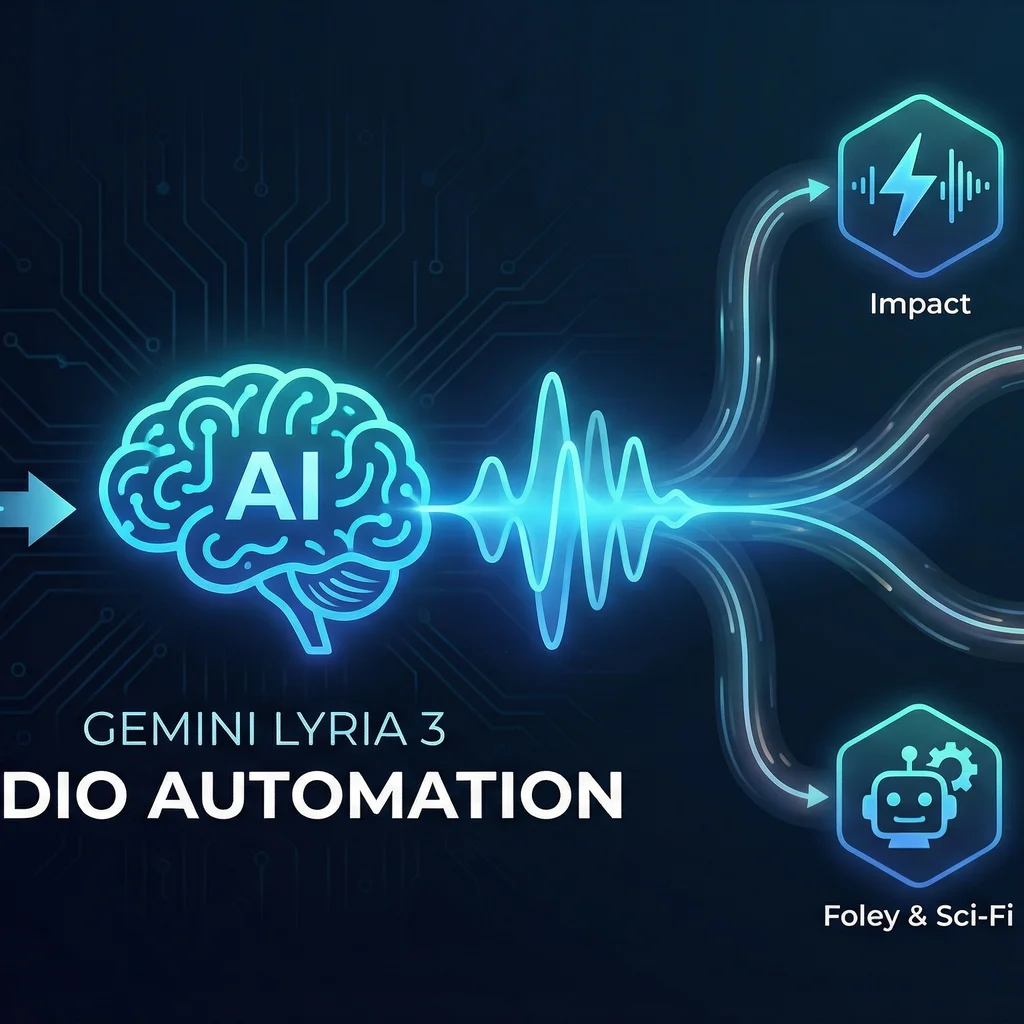
AI sound effects generators like Gemini Lyria 3 are transforming how video editors and marketers create and integrate audio into content. What was once a task reserved for big studios or hours of manual hunting is now a workflow anyone can unlock—automating sound cues, music, and even synchronized audio for video in just minutes. For small businesses and creators, this levels the creative playing field while saving time and reducing software clutter.
Key takeaway: Gemini Lyria 3 lets you generate custom cinematic soundtracks, effects, and music that respond directly to your video, image, or descriptive prompt—no more stock audio searching or fiddly edits.
Whether you’re a small marketing agency delivering brand videos or a solo creator prepping social reels, using Gemini Lyria 3 audio automation means less manual toil and more creative control.
Traditionally, adding sound effects or music to videos meant endless browsing through stock libraries, searching for just the right tension hit or subtle drone. Crafting custom audio cues involved manual editing, layered effects, and hours lost to tweaking timing or masking out unwanted noise.
With Gemini Lyria 3, much of that headache is gone. Upload a clip or image, describe the vibe, and the platform generates original, royalty-friendly sound perfectly matched to your visuals. It’s this blend of AI sound effects generation and video production automation that’s rewriting the process.
Unlike generic stock audio, AI-generated tracks can be updated in seconds for new campaigns, moods, or edits—no license headaches or repetitive manual labor.
Ready to try AI for your next video? Getting started with Gemini Lyria 3 audio automation is refreshingly simple compared to traditional workflows.
Prompt: A confident, uplifting synth melody for a 15-second brand launch video, energetic but not aggressive, with a touch of electric guitar for Midwest flavor.Pro tip: Gemini can generate music from images and short videos, too. Upload a landscape or action shot to inspire a matching soundtrack.
Success with AI sound effects and music generation is as much about workflow as it is about the tools you use. Here’s how to build a production process with Gemini Lyria 3 that saves time and scales for repeat projects.
For teams producing high volumes of content—think social campaigns, on-hold messages, or product walkthroughs—automated audio frees hours every week for bigger creative work.
Need full-stack workflow consulting? For more advanced automation, services like SMSai power AI-generated multi-channel communications (including audio prompts routed by business logic).
AI is powerful—but not magic. You’ll occasionally hit bumps as you integrate automated sound design tools like Gemini Lyria 3. Here’s how to preempt and solve the most common challenges:
Remember: The learning curve for AI audio is shallow—especially for routine cues and effects. Most small teams see productivity gains instantly, with minimal setup.
Gemini Lyria 3 goes beyond basic music generation. Video editors and marketers can leverage several advanced capabilities:
Automate your entire video production pipeline by pairing Gemini Lyria 3 with common business automation tools like Zapier or Google Workspace. Trigger automatic music generation as soon as a new video draft is saved, or route completed audio to your team's shared drive.
Interested in advanced automation spanning technical documents, drawing extraction, and audio? Explore DWG-Extract for document intelligence and see how integrated AI solutions transform repetitive creative and operational tasks.
Looking ahead, AI-powered sound effects and music generation are fast becoming standard in video production—especially for small businesses. Watermarking and usage tracking (like Google’s SynthID content detector announcement) mean commercial teams gain confidence in the legitimacy of AI-generated assets.
Kansas and Midwest firms, in particular, gain a competitive advantage as reliable, affordable automation levels the playing field versus national competitors.
As the field evolves, partnering with teams who understand the practical realities of production—local context, model-agnostic tools, and concrete workflow blueprints—is key to sustainable automation gains.
Talk to an AI integration lead about automating your audio workflow.
Explore how custom AI audio solutions make video production faster, more flexible, and more creative. Ready to see real results in your editing workflow?
Process Type
Sound Design & Video Audio Integration
Time Saved
2-6 hours per project
Tools Used
Gemini Lyria 3, video editor (Premiere/Final Cut), Zapier
Before
Manual searching, licensing, editing, and syncing of sound effects and music tracks for each video project; multiple tools and handoffs required.
After
Automated generation and integration of custom-fit audio matched to each video, with workflow triggers tied to editing milestones and minimal manual intervention.