
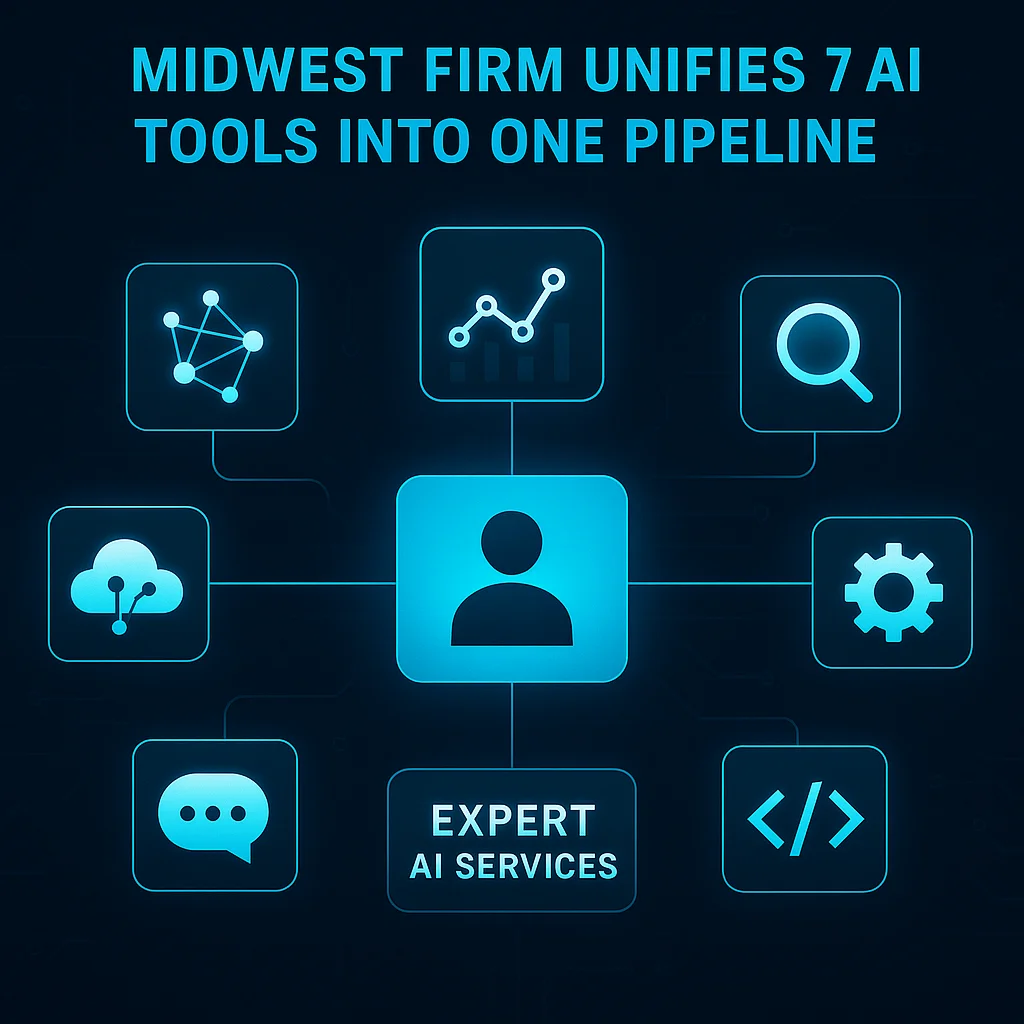
This AI tools consolidation case study begins where many Midwest professional services firms find themselves: buried under a growing pile of specialized AI tools. Over time, necessity—and sometimes a lack of coordinated planning—meant adding a chatbot here, a CRM there, a separate email automation tool, and more. Each brought a promised benefit in isolation, but together they created a tangled web.
The cost? Not just dollars, but time, fragmented workflows, and information lost between tools. Small businesses commonly juggle seven or more subscriptions—each with its own password, data store, and support headaches. As one technician put it: “That’s 7+ subscriptions, 7+ logins, 7+ data silos, zero shared context between them.”
Small businesses often end up with more AI tools than they can manage, resulting in cost creep and siloed workflows instead of true automation.
It’s not simply the subscription fees that hurt. Owners and teams spend hours per week re-entering information, wrangling APIs, and reconciling data discrepancies caused by tools that don’t (and can’t) talk to each other. This fragmentation leads to wasted effort, lost leads, and hidden opportunity costs. According to TechCrunch reporting, AI system costs are ballooning everywhere, and a sprawl of tools only multiplies the challenge for smaller firms.
For one regional professional services firm in Kansas, the pain of AI tool overload hit a tipping point. What began as a well-meaning attempt to modernize—adding new SaaS products for every process—quickly became unsustainable.
Meanwhile, leadership realized that the so-called stack wasn’t stacking—it was splintering. There was no unified memory, no single place where the entire business workflow could be seen or managed.
When the frustration reached its peak, the firm sought a solution built not on more tools, but on fewer, more connected workflows. Where others might bolt on another AI widget, the team turned to a Midwest-based integration partner with decades of experience in building automation for real businesses.
The answer was a single, orchestrated AI pipeline—Expert AI Services’ FlashClaw engine—that consolidated eight distinct tool categories into one streamlined stack. Unlike a patchwork of disconnected apps, this pipeline allows for:
With Expert AI Services, that entire flow is ONE pipeline—not a fragile relay between software, but a robust, model-agnostic backbone supporting the entire business.
The shift wasn’t about adding more—it was about subtracting the unnecessary and connecting what mattered. In the new workflow, a form submission, email exchange, and sales update all live in one coordinated environment, supported by AI agents that understand the relationships between them.
Rather than pursuing a rip-and-replace approach, the firm and Expert AI Services took a phased path. Each core workflow—lead capture, content publishing, CRM updates—was mapped manually to ensure nothing got lost in translation.
# Example of a unified AI workflow config (simplified YAML)
trigger:
  form_submission:
    to: crm_lead_creation
crm_lead_creation:
    to: email_notification, task_queue
email_notification:
    to: project_management_update
Key tip: Don’t automate just for the sake of “using AI.” Automate for real workflow handoffs—where tasks, data, and context must follow each other seamlessly.
Throughout, legacy data was brought in where it added value, and redundant subscriptions were canceled as each new workflow went live.
The impact of consolidating from seven AI tools down to a unified pipeline was immediate for the firm:
As highlighted by StrongDM's Software Factory case study, even small teams can run large, complex automation environments without ballooning headcount—if the stack is consolidated and purpose-built.
Key takeaway: Consolidation isn’t about less capability—it’s about removing clutter so the tools that remain can do deeper, more valuable work together.
Today, workflows run not on a chain of duct-taped apps, but on a model-agnostic system, future-proofed for whatever tomorrow brings. According to Simon Willison's analysis, the companies who thrive will be those who treat AI as a backbone, not as a scattershot of features.
If you’re a small or mid-sized business in the Midwest considering a shift away from tool sprawl, you’re not alone. The lessons from this AI tools consolidation case study are clear:
Don’t be afraid to step back and ask: What if fewer, smarter tools could accomplish more?
In our experience working across Kansas and the Midwest, the best automation projects are always those where AI simplifies, rather than complicates, the day-to-day reality of business operations.
Cluttered technology slows everyone down. Simpler, unified AI systems give you back your time and your focus.
For more real-world examples of applied AI, from omnichannel communication to document intelligence, see how AI-powered communication platforms work in practice.
Ready to start your own workflow simplification journey? The conversation begins with an honest inventory of what you really need your AI tools to do.
See for yourself how a model-agnostic, unified approach to AI can optimize your business—and give your team a workflow that just works. Talk with an AI integration lead to discuss consolidating your stack and unlocking genuinely seamless operations.
Talk with an AI integration leadClient Type
Regional Midwest professional services firm
The Problem
Juggling 7+ disconnected AI tools, leading to cost, complexity, and lost context
The Solution
Consolidated workflows into a single model-agnostic pipeline with shared context using Expert AI Services’ FlashClaw engine
Result
Reduced subscription costs by eliminating redundant tools
Result
Dramatically fewer workflow headaches and regained team productivity
Result
Seamless lead, client, and project handoffs with unified data context
Conclusion
Key Takeaway: Streamlining AI from tool sprawl to a single, context-rich pipeline made the team more productive and client experiences more reliable.