
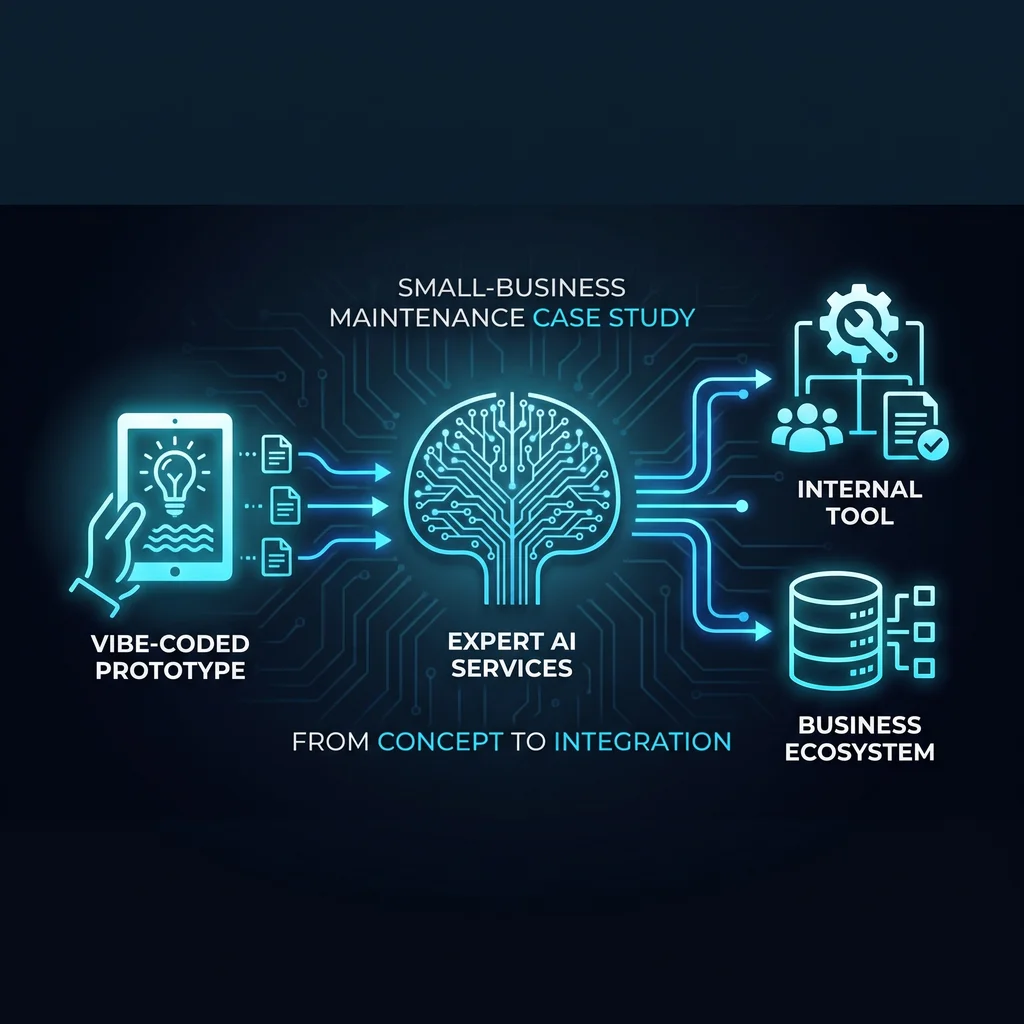
Vibe-coded prototypes are showing up in small businesses for understandable reasons. A founder, office manager, or operations lead can describe a rough idea, generate a working screen, and test a workflow without waiting through a long software cycle. That can be useful, especially when the job is narrow: organize customer notes, prepare lead research, draft email follow-ups, summarize maintenance tickets, or reduce copy-and-paste work between systems.
But a working prototype is not the same thing as an internal tool the business can rely on. The prototype proves that an idea can work once. An internal tool has to keep working when a coordinator is busy, a technician is in the field, a customer record changes, or the original builder is no longer the only person who understands how it was made.
For a small business, the real milestone is not the first successful demo. It is the first clean handoff.
This is where many AI projects either become useful or quietly become another piece of software clutter. The maintenance stage is where permissions, tests, documentation, logs, and ownership turn an AI-built prototype into something the team can trust.
The early appeal of vibe-coded tools is speed. A business owner can move from idea to rough working version quickly, and that matters when the team is already stretched. Small businesses do not have extra hours for duplicated entry, scattered notes, or manual reporting that should have been cleaned up years ago.
Still, speed creates its own risk. A tool that feels helpful in one test can become fragile when real customer data, staff permissions, browser-based work, and review steps enter the picture. If nobody knows who owns the tool, what it is allowed to change, or how to check the output, the business has not reduced risk. It has moved the risk into a new place.
That is why the post-prototype step deserves attention. The question is no longer, “Can AI build this?” The better question is, “Can our team maintain this without guessing?”
Small-business AI demand is shifting from model selection toward operational reliability. Owners are less interested in debating which tool is cleverest and more interested in whether automation will break real work. That is the right instinct.
AI agents, browser tools, Claude-style workflows, MCP connectors, and custom internal tools only create value when the workflow is already understood. If the business process is messy, automation usually makes the mess move faster. Before improving a prototype, write down the work in plain language: who starts the task, what information they need, which systems they touch, who reviews the output, and where the final record belongs.
A maintenance-ready internal tool should make the review step obvious. If the tool prepares a customer message, who approves it? If it researches a prospect, where does the source information get checked? If it updates a record, what field is changed and who can reverse it?
This is not red tape. It is how small teams protect trust. The best workflow automation removes repetitive labor while keeping the experienced person in the decision loop where judgment matters.
An AI tool can draft, sort, summarize, and prepare. That does not mean it should have authority to send, delete, overwrite, or approve without a clear business rule. For many Kansas operators, the safest first version is a helper that prepares work for review. That keeps the benefit close to the team while avoiding a brittle “set it loose and hope” pattern.
A small business does not need enterprise theater to make an internal tool safer. It needs a checklist that fits daily operations.
Start with ownership. One person should know what the tool is for, who can use it, and when it needs review. Then define permissions. Not every employee needs access to every customer note, estimate, job record, or admin action. The tool should only touch the systems and data required for the job.
Next, create simple tests. These can be practical checks tied to the workflows that would cause pain if they failed. Can the tool handle a missing customer phone number? Does it behave correctly when a record is incomplete? Does it stop before sending something that needs approval? These small checks are often what separate a useful internal system from a fragile prototype.
Documentation matters too. The handoff notes should be written in normal language: what the tool does, what it should not do, what inputs it needs, what outputs it creates, who reviews the output, and what to do when something looks wrong. A future employee should not have to decode the original build session to understand a tool that affects daily work.
Finally, keep a change log. When a prompt, connector, field, or workflow changes, record what changed and why. This is especially important for tools that support CRM cleanup, content workflows, lead research, SEO tasks, admin systems, or maintenance coordination.
Expert AI Services approaches this work from practical building-systems experience: controls, BAS, low-voltage coordination, field work, and the reality of keeping operations moving. That background matters because internal tools are not just software. They sit inside a real business with technicians, coordinators, customers, vendors, and deadlines.
The goal is less software, more useful workflows. AI should remove manual logging, reduce tool overload, and improve coordination between people. It should not replace the judgment of the team that understands the work.
If you want to understand that local, operator-first approach, start with the Expert AI Services team. For a concrete example of applied automation, review SMSai, which reflects the same principle: use AI where it reduces manual toil and supports the people already carrying the work.
For Kansas and Midwest businesses, the right path is usually small, practical, and maintainable. Build the prototype. Prove the workflow. Then add the permissions, tests, documentation, logs, and ownership that turn a clever demo into a dependable internal tool.
Client Type
The Problem
The Solution
Result
Result
Result
Conclusion