
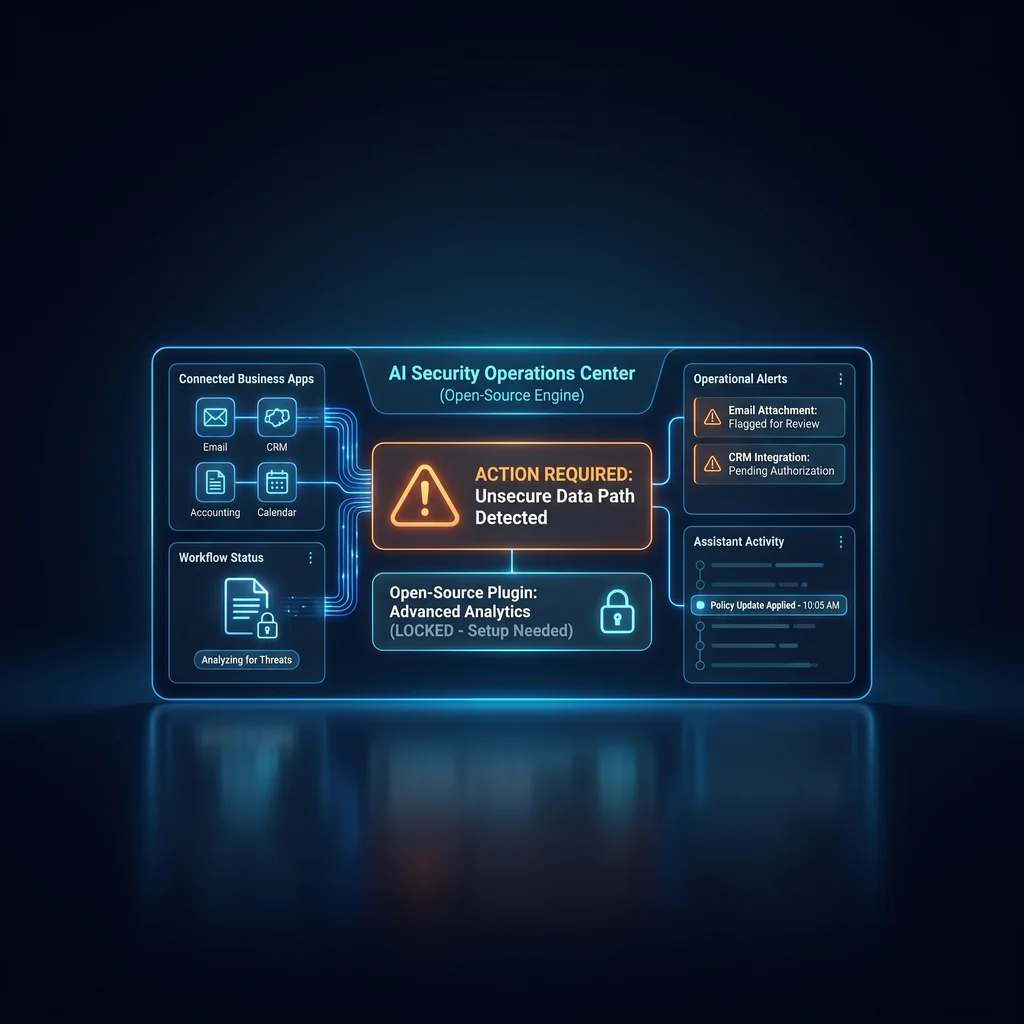
Open-source assistants are no longer just chat boxes that answer questions. Projects such as OpenClaw point toward assistants that can run locally, connect through everyday channels, use skills, touch files, and operate tools. For a Kansas owner or operator, that shift matters because the assistant is no longer only producing text. It may be standing next to the systems that run the day.
That is why AI assistant security risks deserve a practical conversation. The issue is not whether AI is useful. The issue is what the assistant can reach, what it can execute, and who is responsible when a third-party skill behaves badly. Small business AI operations need plain access rules before the first real workflow is connected.
Tool-enabled assistants should be treated as operational systems with access policy, not casual productivity apps.
An open-source AI assistant can be attractive because the business has more visibility into how the system is built and how it can be extended. That matters for teams that want flexibility instead of another closed software lane. But once an assistant can use tools, browse, message, or run workflows, the security question changes.
The owner no longer asks only, “Did it give a good answer?” The better question is, “What could it do next?” If the answer includes reading shared files, using credentials, calling outside services, or sending a message, then the assistant belongs in the same operational planning conversation as other business systems.
OpenClaw's public security documentation emphasizes controls such as allowlists, sandboxing, tool policy, plugin trust, prompt-injection handling, and trust boundaries. Those terms can sound heavy, but the business meaning is straightforward. Decide what the assistant can touch, where it can run, which tools it can call, and what needs human approval.
That is practical work, not paperwork. A small team can start with a narrow permission list, a test workspace, and a rule that no assistant gets broad access to live business data without a specific reason. The goal is not to slow down useful AI. The goal is to keep useful AI inside a workflow the business can understand.
When a new assistant workflow is being tested, read-only access is often enough. Let the assistant summarize a document, draft a response, or organize information before it can edit, send, delete, or post. That gives the team room to learn how the assistant behaves without handing it the keys to the whole operation.
Skills and plugins are where agent tool security becomes a daily operating question. A skill may let an assistant search, browse, send a message, transform a file, or connect to a business app. That can reduce manual logging and software clutter, but it also gives the assistant a wider path into sensitive work.
Tom's Hardware reported in February 2026 that malicious third-party skills had targeted the OpenClaw ecosystem. The lesson for business owners is not to panic over one ecosystem. The lesson is to treat AI agent skills security like any other software access decision. Unknown skills should not get broad permissions just because the assistant interface feels conversational.
A polished assistant can still call a risky tool. A helpful answer can still be followed by the wrong action. Owners should review where a skill came from, what permission it requests, what data it can see, and whether the business can turn it off quickly. If that information is unclear, the skill is not ready for live operations.
Before connecting an assistant to email, files, a browser, or messaging tools, define what it is allowed to do. Start with read-only access where possible. Keep write actions narrow. Separate testing data from live business records. Require human review before sending messages, deleting files, posting updates, or making changes in systems customers or staff depend on.
This is where a model-agnostic stack helps. The useful question is not only which model answers best. The useful question is which workflow has the right guardrails, logs, permissions, and fallback path. Less software, more useful workflows only works when the workflow has clear limits.
Expert AI Services builds around that kind of practical fit. The local team focuses on custom AI services that simplify work without asking a business to trust a black box. Products such as SMSai show how applied AI can support communication workflows when the job, boundaries, and handoff are clear.
There is no Kansas-specific proof in this source scan, so this article should not pretend the risk is local-only. The impact is general, but it applies directly to Kansas businesses that rely on lean teams and practical software. If an assistant connects to shared inboxes, folders, calendars, browsers, or messaging channels, it becomes part of how work moves.
A good starting rule is simple: treat a tool-enabled assistant as an operational system, not a casual productivity app. Give it a purpose, a permission list, a review path, and a person responsible for keeping those limits current. That is how small business AI operations stay useful without turning every new tool into another loose end.
For owners already testing assistants, the next step is not a bigger promise. It is a tighter pilot. Pick one workflow, one data boundary, one approval step, and one measurable outcome. Then decide whether the assistant earned more access.
Source
Tom's Hardware, OpenClaw GitHub, OpenClaw security documentation
Kansas Impact
No Kansas-specific proof in this scan; the risk applies generally to Kansas small businesses connecting assistants to email, files, browsers, or messaging tools.
Key Takeaway
Tool-enabled assistants should be treated as operational systems with access policy, not casual productivity apps.