
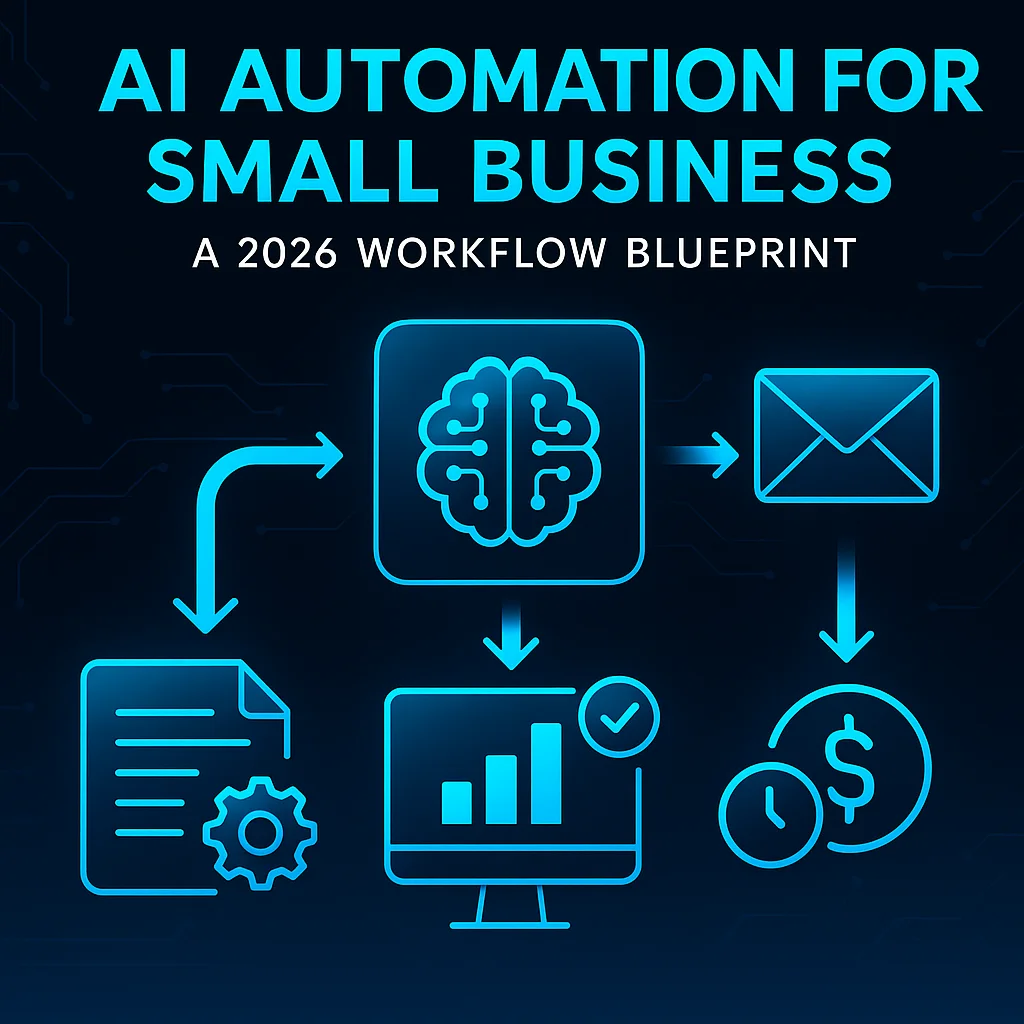
AI automation for small business 2026 isn’t hype—it’s a daily reality, thanks to major advances in accessible, affordable tools designed for operators who don’t write code. Small business owners across Kansas and the Midwest are using AI agents to handle inbox overload, streamline onboarding paperwork, and generate marketing content—freeing up hours every week for the work that matters most.
If you are spending more than two hours a day on tasks that feel robotic and repeatable, that is two hours an AI automation should be handling.
Unlike previous waves of business process automation 2026, today’s workflows use drag-and-drop builders and pre-built AI connectors to make setup easy. The result: Small teams get the benefits of large-enterprise efficiency tools without the complexity or price tag. Operator communities, like those in the r/AI_Agents community discussions, share working playbooks that any business owner can follow.
Manually sorting, categorizing, and responding to emails consumes valuable operator time. In 2026, AI inbox triage assigns, drafts, and routes emails automatically—so humans only deal with edge cases and approval.
Preparing onboarding packets once took 30–60 minutes per client. Automated onboarding flows now pull data from intake forms and generate signed docs in under five minutes. Operators on r/vibecoding operator automation examples report prepping new hire kits before their coffee cools.
Summarizing calls and drafting posts for multiple platforms is another prime target. AI software for daily tasks now repackages rough notes into emails, LinkedIn updates, and flyers with a single command. Repetitive tasks go away; your ideas get shared faster.
One operator in r/ChatGPTPro reported cutting onboarding document prep from 45 minutes to 4 minutes per client.
In 2026, the landscape is crowded with affordable, user-friendly platforms for automating workflows with AI. Here’s what’s powering small business efficiency tools now:
For a real-world example of applied AI for SMS, see how field teams use our SMSAI solution to handle appointment booking, lead scoring, and customer support without manual triage. Operators win not by adding more software, but by deploying fewer, better workflows.
Success in business process automation 2026 depends less on the tool and more on the workflow design. Here’s how operators move from generic features to practical AI solutions:
The most common failure pattern: Automating a feature instead of a full workflow. For example, 'summarize my emails' misses the handoff, review, and context your business depends on.
When automating client communication, add a checkpoint for a human to approve the AI’s draft. Operators on the r/ChatGPT operator workflow stories emphasize this keeps brand voice and trust intact.
Workflow Example:
Trigger: New client intake form
→ AI drafts onboarding packet
→ Human reviews/approves
→ Doc sent automatically
The most common failure pattern... building an automation that is too general. 'Summarize my emails' is not a workflow—it is a feature.
AI automation for small business isn’t a luxury in 2026—operators deploy solutions for dollars a day, not thousands a month. But avoid lock-in with niche vendors; model-agnostic platforms stay flexible as your needs evolve.
The TechCrunch report on specialized AI agents underscores the value of choosing modular, cost-effective tools over bespoke, high-ticket solutions.
The best operators include a human-in-the-loop checkpoint for outgoing communications—the AI drafts, the human approves with one click.
Local expertise also matters. We’ve found that Kansas and Midwest teams thrive when they adapt AI to their rhythms and realities, not just West Coast tech trends.
AI automation for small business 2026 is not a one-and-done project. It’s a commitment to continuous improvement. With Model Context Protocol and modular, no-code tools, operators can adapt quickly as new workflows become possible—from AI-powered scheduling to document intelligence in the field.
When you’re ready to map your own automation workflow blueprint, resources like our AI Project Setup can help you assess readiness, define scope, and kick off with confidence.
Key takeaway: AI simplifies, it doesn’t replace. The most successful small businesses will be those who blend automation with human good sense, focusing on fewer, smarter workflows—not more software.
Ready to see what practical, right-sized AI can do for your business? Explore our approach or talk with an AI integration lead—your workflow blueprint starts with a conversation.
Process Type
Email triage, onboarding docs, content repurposing
Time Saved
5-10 hours/week
Tools Used
ChatGPT, Claude, Zapier, Make.com, Notion, Slack, Model Context Protocol
Before
Manual sorting of inbox, prepping onboarding packets, and creating multi-channel content consumed hours per week.
After
AI-driven automations classify emails, generate documents, and repurpose content with human-in-the-loop quality control.