
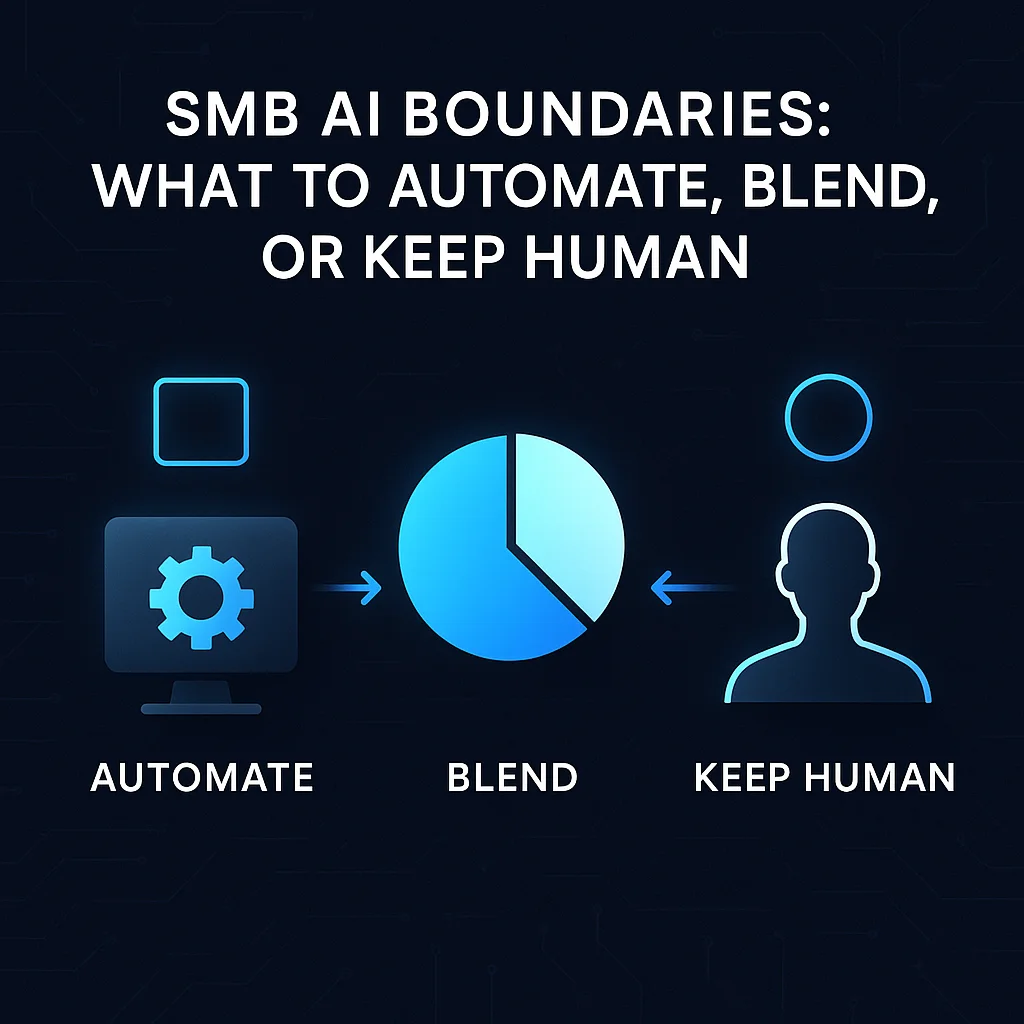
AI automation for small businesses holds tremendous promise, but can quickly become overwhelming—or risky—without clear boundaries. This guide will help Midwest business owners map the AI replacement boundary: understanding which tasks are ripe for automation, where hybrid workflows are safest, and what work truly demands a human touch.
If you're unsure whether to automate inbox triage, keep customer onboarding personal, or run quote generation as a mix, this decision guide is for you. We'll equip you with an actionable framework, real-world Midwest context, and recent lessons from both automation wins and failures.
“SMB owners need a clear replace-vs-hybrid-vs-keep-human framework to guide next-quarter automation priorities.”
Think of the AI replacement boundary map as a practical tool that helps you categorize every workflow into three buckets:
This map is not theoretical—it's grounded in hard-earned lessons from Midwest SMBs. The top-ranked operators online aren’t just automating everything; they’re mapping boundaries deliberately to avoid costly failures that come when automation overreaches. For example, as highlighted in recent deep-dive technical explorations, even the most advanced teams spend time meticulously defining which agentic skills are safe to automate.
Not every job can or should be automated, but some routine processes are tailor-made for AI agents:
Full automation works best when:
Scope-bounded automation is the state of the art—especially for repeatable, low-risk tasks. Emulating big-company approaches without their guardrails is where many SMBs run into trouble.
Hybrid workflows put AI in a supporting role, not the driver’s seat. This is where many small businesses unlock efficiency without exposing themselves to unacceptable risks—including reputational damage or customer frustration from an impersonal experience.
To set up a hybrid process, define exactly where the human reviews, edits, or signs off. For example, in customer onboarding, use AI to screen application forms, but ensure staff speak with customers about tricky or unusual needs.
Workflow:
1. AI tags and sorts incoming forms.
2. Human reviews flagged exceptions.
3. AI logs outcomes, prompts next steps.Some work simply isn’t safe or wise to automate—no matter how tempting a tool’s promise may sound. In the Midwest, regional trust and relationships matter, especially when it comes to
Avoid automating if the workflow:
Even the most sophisticated AI agents cannot replace the situational judgment or empathy of a seasoned Midwest business owner—or the goodwill your team has built with decades of reliable, handshake-backed service.
Bring this map to your own workflows with a simple decision guide:
Start small and pilot one automation in two weeks. For example, pilot AI-powered inbox triage or document extraction to see real impact within your operation.
If automation isn’t saving real time or improving accuracy in two weeks, review the boundary. You may need a more hybrid approach or to scale back the task’s scope.
Finding your AI automation boundary isn’t a one-time event—it's an ongoing process. The right balance will evolve as technology and your business change. Prioritize:
Leading companies have learned this the hard way: for example, TechCrunch's analysis of OpenAI's agent pricing underscores how the most valuable work still commands a premium. Stanford Law's CodeX underscores the need for explicit specs and reviewed scenarios, even in agent-run factories.
AI simplifies, it doesn’t replace—removing tool overload so your team can focus on local relationships and strategic growth.
Explore how a local-first, risk-aware approach to custom AI services puts Midwest business goals—and people—at the core. Talk with an AI integration lead to see what automation should look like for your operation, not just for the software’s sake.
Difficulty Level
Intermediate
Action Item
List your top 5 workflows, assign each as Automate, Hybrid, or Human, and pilot one hybrid automation in 14 days.
Tools Mentioned
SMSai, DWG-Extract, custom AI agents
Time to Implement
14 days for a pilot